25
Clear My Playlist
Remove all from My playlist
USB Playback
My Playlist
Repeat Play: Off
Shuffle Play: Off
Clear My Playlist
Sleep
USB 10:30
USB Playback
My Playlist
Repeat Play: Off
Shuffle Play: Off
Clear My Playlist
Sleep
USB 10:30
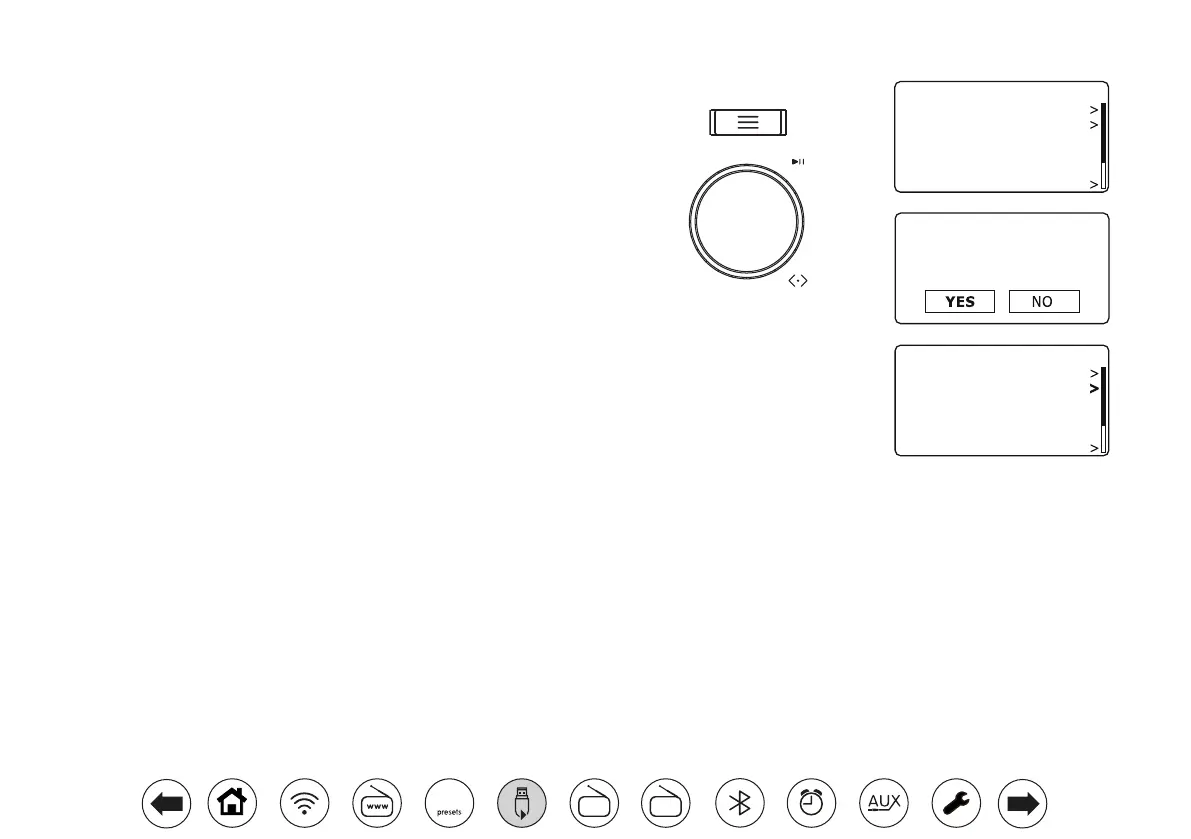
Clearingtheplaylist
1. Press Menu. To clear the whole playlist choose 'Clear My Playlist' and
then choose 'YES'. If you do not wish to clear the playlist choose 'NO'.
Playingyourplaylists
1. Ensure you are in the main USB menu. Press Menu if needed.
2. Choose 'My Playlist'.
3. To play the playlist from a particular track, rotate Tuning until the desired
track is highlighted then press the control to start play.
4. While playing from the playlist, you can use this function to jump to a
particular track within the playlist. While playing from the playlist, you may
add additional tracks or folders or remove specic tracks (please see the
preceding page).
FM
DAB
60



 To Next Page