34
Bluetooth.
DisconnectingaBluetoothdevice
You may disconnect your Bluetooth device using the Bluetooth menu.
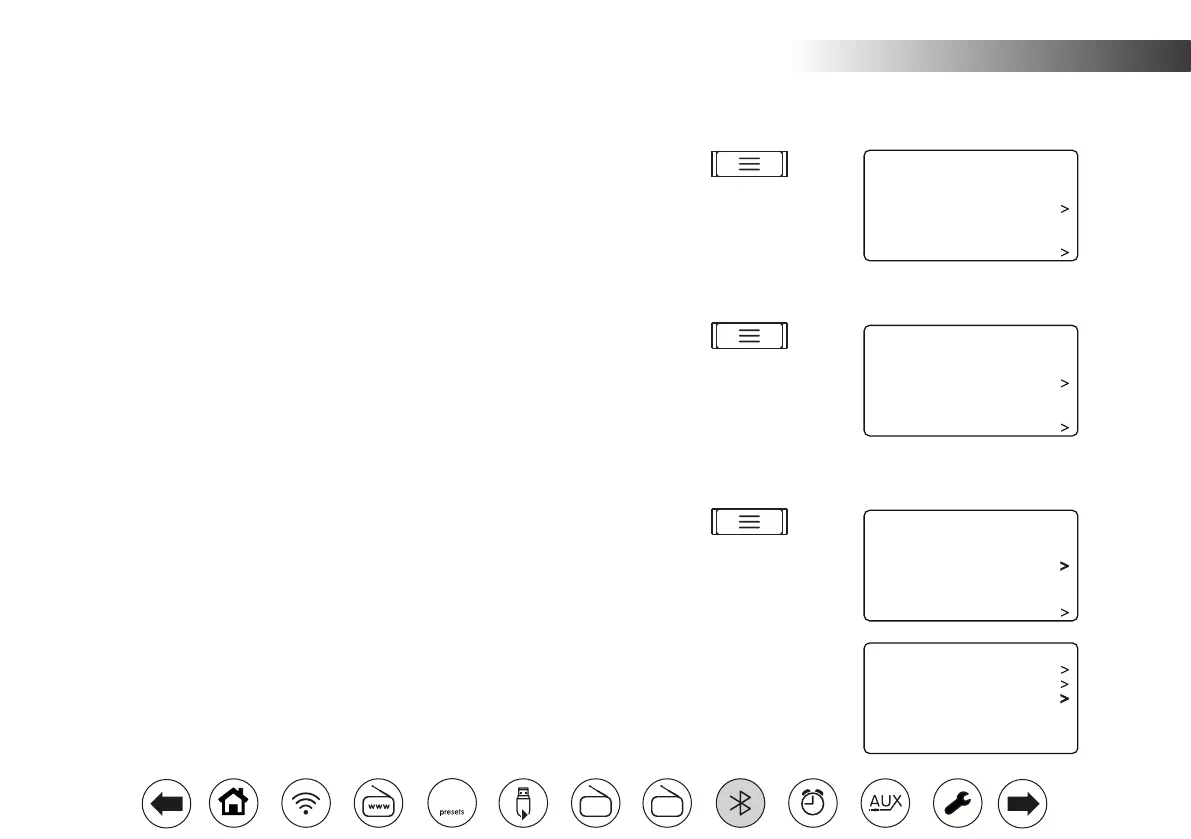
1. To disconnect your Bluetooth device, press Menu, then choose 'Disconnect'
and then choose 'YES'. Your radio will become 'discoverable' by other devices.
ClearBluetoothPairings
You may clear all stored Bluetooth pairings from your radio using the Bluetooth
menu.
1. To clear all stored Bluetooth pairings, press Menu, then choose 'Clear Pairing'
and then choose 'YES'. Your radio will now have no pairings stored, and
will also become 'discoverable' by other devices to allow new pairings to be
made.
Additional Bluetooth connection options
1. To view the details of the currently connected Bluetooth device, press Menu,
then choose 'View Details' and then choose the desired option.
2. 'Bluetooth Info' shows the connection status of your radio and its Friendly
Name as used for Bluetooth pairings.
3. 'Connected Device' shows details of the currently connected Bluetooth
Device and its support for remote control of audio playback.
4. 'Paired Device List' shows all of the currently stored pairings. You can use
this list to directly reconnect to a different device, provided that device is
within range and has its Bluetooth functionality enabled.
Disconnect
Clear Pairing
View Details
Sleep
Alarms
System Settings
Bluetooth 10:30
Disconnect
Clear Pairing
View Details
Sleep
Alarms
System Settings
Bluetooth 10:30
Disconnect
Clear Pairing
View Details
Sleep
Alarms
System Settings
Bluetooth 10:30
Bluetooth Info
Connected Device
Paired Device List
View Details 10:30
FM
DAB
60



 To Next Page