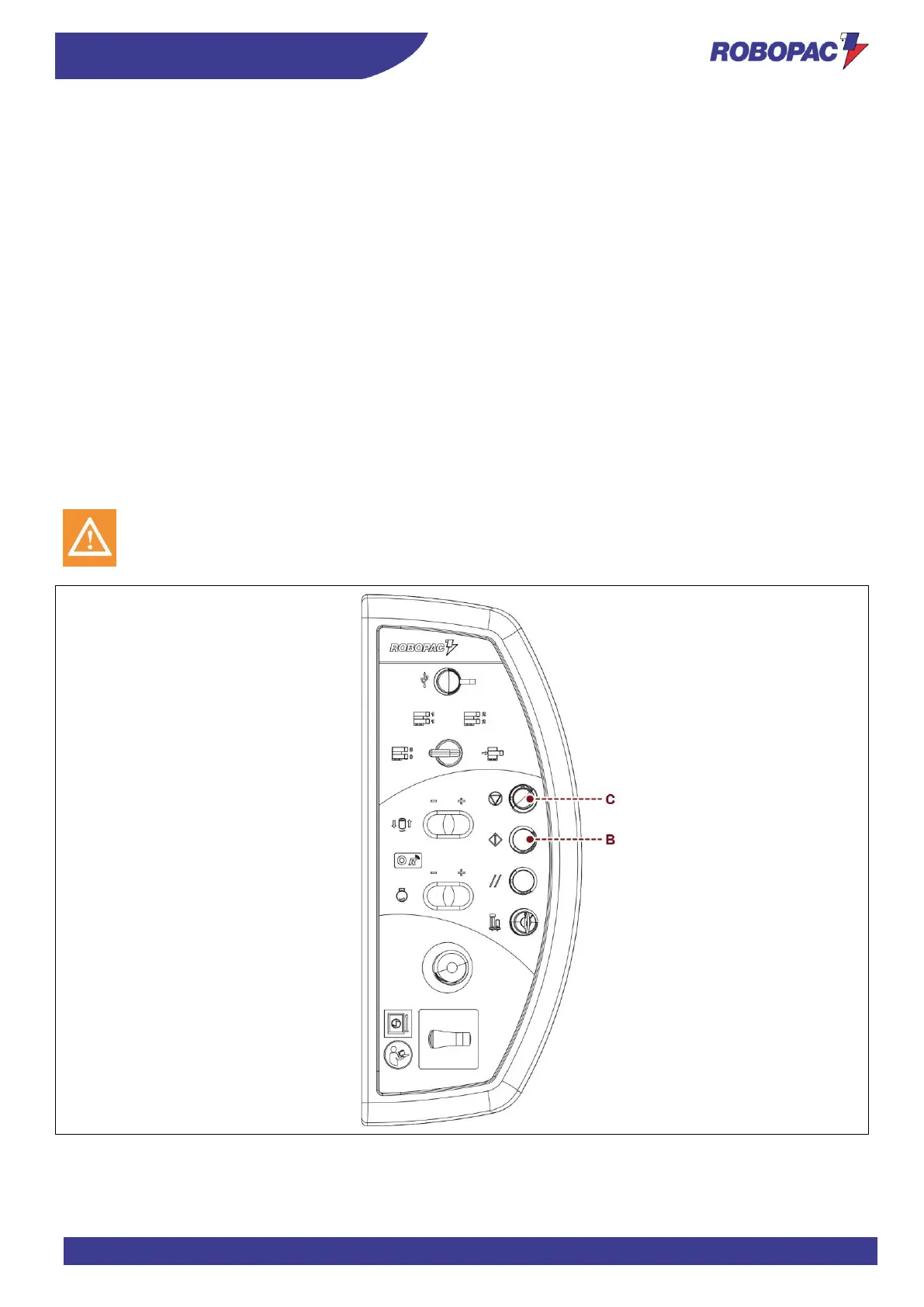
6.7. CYCLE START AND STOP
Proceed as follows.
1. Place the pallet on the rotary table and move the loading device away.
2. Tie the film end to the pallet.
3. Set the cycle parameters.
4. Press the "Cycle Start" button (B).
The machine starts the wrapping cycle, based on the previously set operating mode.
- Setting the manual wrapping cycle activates the rotary table rotation.
The operator must activate the multi-function selector to move the film carriage up and then down so as
to complete the wrapping.
Once wrapping is completed, the rotary table will run a synchronised stop when film carriage reaches the
"low" limit stop position.
Press "cycle stop" button to stop the cycle without taking the film carriage to "down" limit stop.
- Setting the automatic wrapping cycle activates the rotary table rotation.
The film carriage performs the programmed wrapping and, once this stage is over, automatically stops
with the rotary table synchronised.
To temporarily suspend the cycle, press the “Cycle Stop” button (C).
Press the "Cycle Start" button (B) to restart it.
5. Cut the film.
6. Remove the pallet and position a new pallet to start a new cycle.








 To Next Page