received from the peer.
DPD: Dead peer detection. DPD irregularly detects dead IKE peers. When
the local end sends an IPSec packet, DPD checks the time the last IPSec
packet was received from the peer. If the time exceeds the DPD interval, it
sends a DPD hello to the peer. If the local end receives no DPD
acknowledgment within the DPD packet retransmission interval, it
retransmits the DPD hello. If the local end still receives no DPD
acknowledgment after having made the maximum number of
retransmission attempts, it considers the peer already dead, and clears the
IKE SA and the IPSec SAs based on the IKE SA.
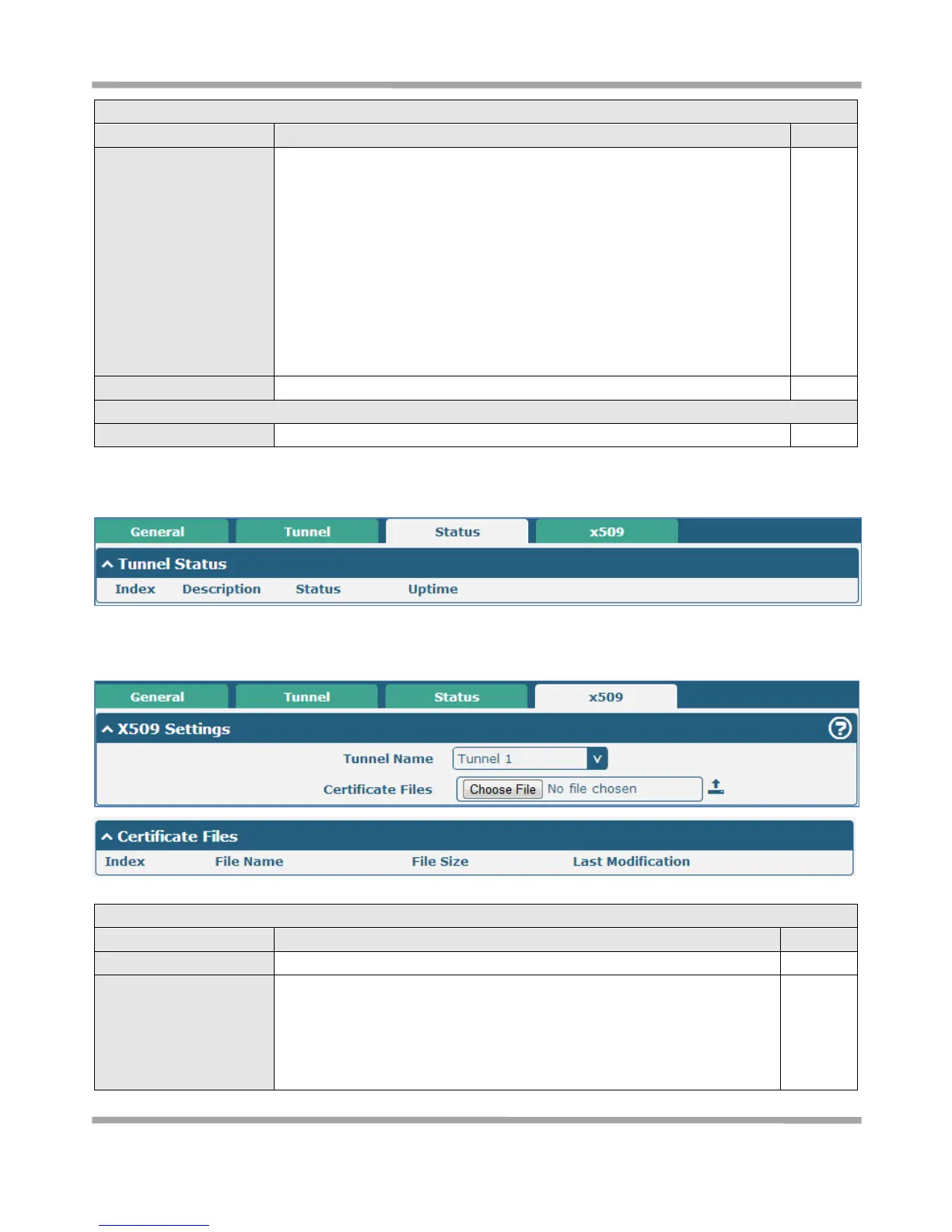
Status
This section allow user to check the status of the IPSec tunnel.
x509
User can upload the X509 certificate for the IPSec tunnel in this section.
Choose the correct file to import the certificate into the router.
The correct file format as followings:
@ca.crt
@remote.crt
@local.crt











 To Next Page