28
Video Operations
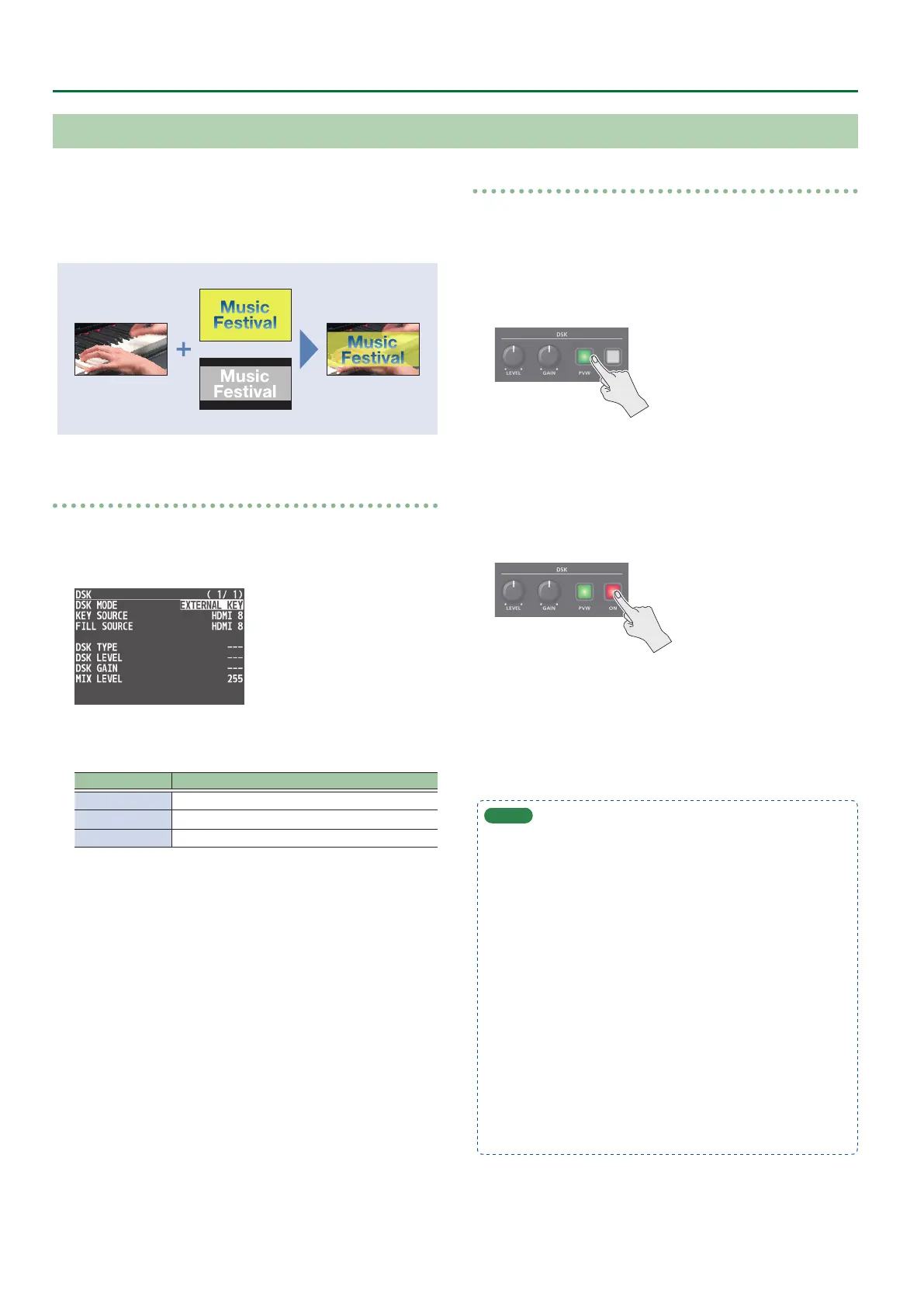
External key
This sets the key signal (the shape to be cut out) and the ll video
(the video to be composited) separately. With an external key, the
key signal is used to cut out the ll video and superimpose it on the
background video to create the composite.
Fill video source
Key source
Setting the DSK mode or key/ll video
1. Press the [MENU] button0”DSK”0select “DSK
MODE,” “KEY SOURCE,” or “FILL SOURCE,” and press
the [VALUE] knob.
2. Use the [VALUE] knob to change the setting as
shown below.
Menu item Explanation
DSK MODE EXTERNAL KEY
KEY SOURCE Select the video to use as the key signal.
FILL SOURCE Select the ll video source.
3. Press the [MENU] button to quit the menu.
Compositing using DSK
1. Output the background video.
At the PVW section of the monitor, check the video to be made
the background.
2. Press the DSK [PVW] button to turn on the preview
output (lit).
The DSK [PVW] button lights up in green, and a preview of
the composition results is displayed in the PVW section of the
monitor.
At this stage, the nal output has not yet been changed.
3. Press the DSK [ON] button to turn on DSK
compositing (lit).
The DSK [ON] button lights up in red, and the composition results
is sent to nal output.
4. To turn o DSK compositing, press the DSK [ON]
button once again.
MEMO
5 The fade time over which the DSK video appears or disappears
when you press the DSK [ON] button is specied by the setting
of the TRANSITION TIME menu item “DSK TIME.”
5 By holding down the DSK [PVW] button and pressing the
[MENU] button, the DSK menu appears.
5 You can make DSK/PinP composition (p. 19) turn on/o in
tandem with the video transitions.
& “Turning PinP/DSK composition on/o in tandem with
video transitions” (p. 13)
After step 2, use the [AUTO] and [CUT] buttons or operate the
video fader to switch the video. DSK composition turns on, and
the composited result that is previewed is sent to nal output.
5 If the DSK mode is set to “alpha key” (p. 27) or “external key”,
the same video that’s sent to the PGM bus is also sent to the
AUX bus (p. 16).
* This disables the AUX [1]–[8] button selection (the buttons
go dark).
Using an External Key


 To Next Page