35
Audio Operations
Using an eect preset
The V-8HD is equipped with eects that are adjusted for specic
environments. These are called “eect presets.”
The eect presets are created using a combination of three eects
(high-pass lter, compressor, equalizer).
Simply by selecting an eect preset, you can easily apply an eect
that’s appropriate for your situation.
MEMO
5 When you switch presets, the settings of each eect are
overwritten.
5 If you want to make ne adjustments to a preset, use the
AUDIO INPUT menu to edit the high-pass lter, compressor, and
equalizer settings.
Since the noise gate (an eect that eliminates noise) is not
included in the presets, you’ll need to make separate settings
for it.
For details on the eects, refer to p. 75.
1. Press the
[
MENU] button0”AUDIO INPUT”0select
“HDMI IN 1”–“HDMI IN 8” or “AUDIO IN,” and press the
[VALUE] knob.
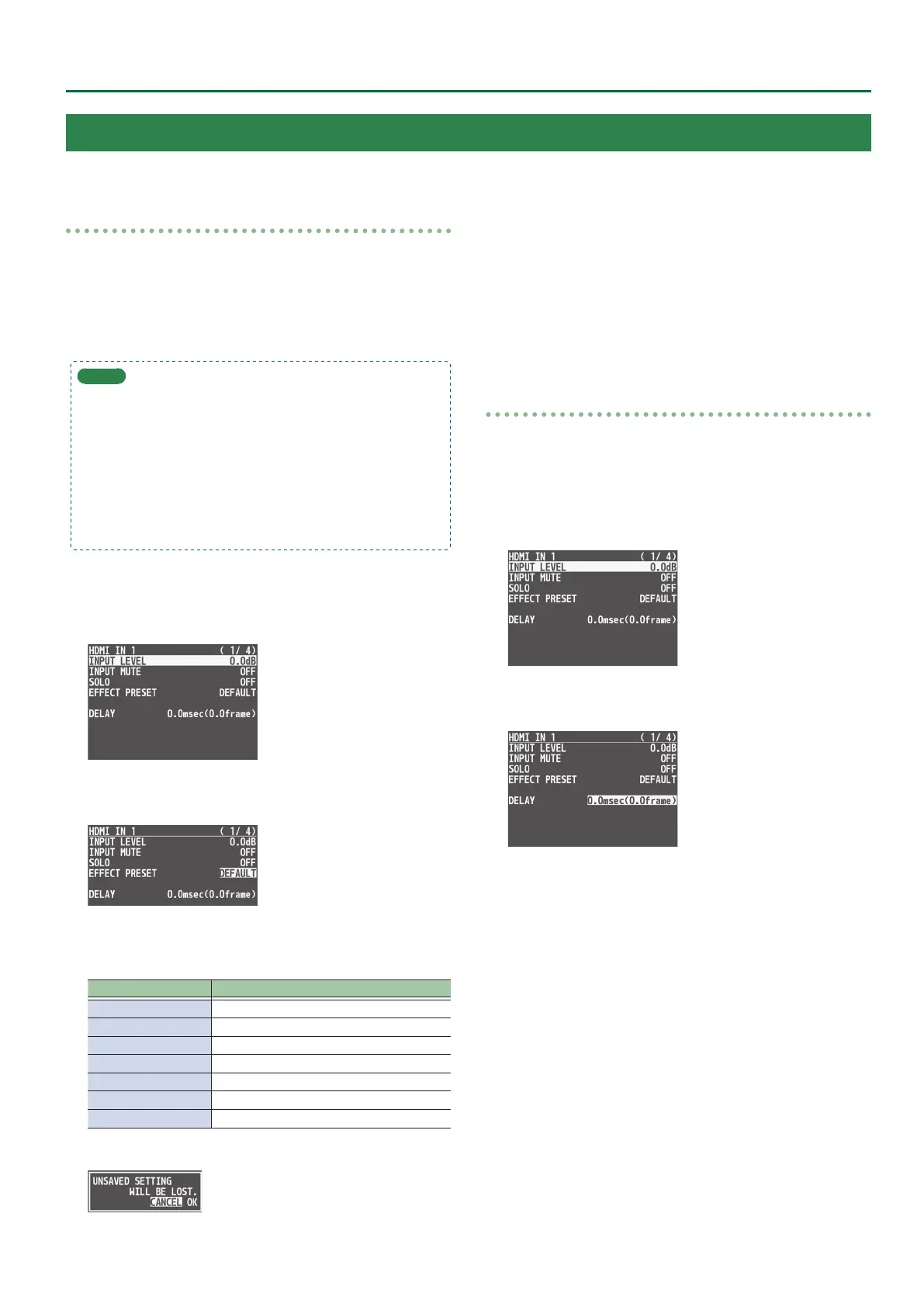
2. Use the [VALUE] knob to select “EFFECT PRESET,”
and press the [VALUE] knob.
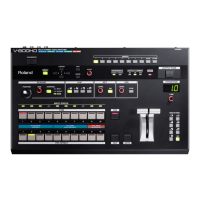
3. Use the [VALUE] knob to select the eect preset,
and press the [VALUE] knob.
Value Explanation
DEFAULT For line input (default setting)
MEETING For meetings
INTERVIEW For interviews
AMBIENT MIC For capturing ambient sound
WINDY FIELD For capturing ambient sound in a windy area
DE-ESS & POPS SOFT For reducing sibilants
DE-ESS & POPS HARD For reducing plosives
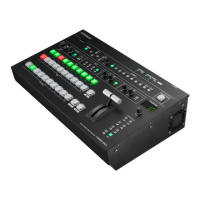
A conrmation message appears.
* If you decide to cancel, press the [EXIT] button.
4. Use the [VALUE] knob to select “OK,” and press the
[VALUE] knob.
The preset is loaded. When the operation is nished, the message
“COMPLETE” appears.
5. Press the [MENU] button to quit the menu.
Correcting a time dierence between video and audio
(delay)
Here’s how you can correct a time dierence between the video and
audio by delaying the output of the input audio.
1. Press the
[
MENU] button0”AUDIO INPUT”0select
“HDMI IN 1”–“HDMI IN 8” or “AUDIO IN,” and press the
[VALUE] knob.
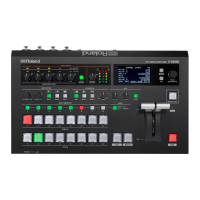
2. Use the [VALUE] knob to select “DELAY,” and press
the [VALUE] knob.
3. Use the [VALUE] knob to adjust the time by which
the audio is delayed, and press the [VALUE] knob.
Delay the audio output so that the audio and video match.
4. Press the [MENU] button to quit the menu.
Applying Eects to Input Audio
You can modify the tonal character by applying eects to the audio input.


 To Next Page