65
Menu List
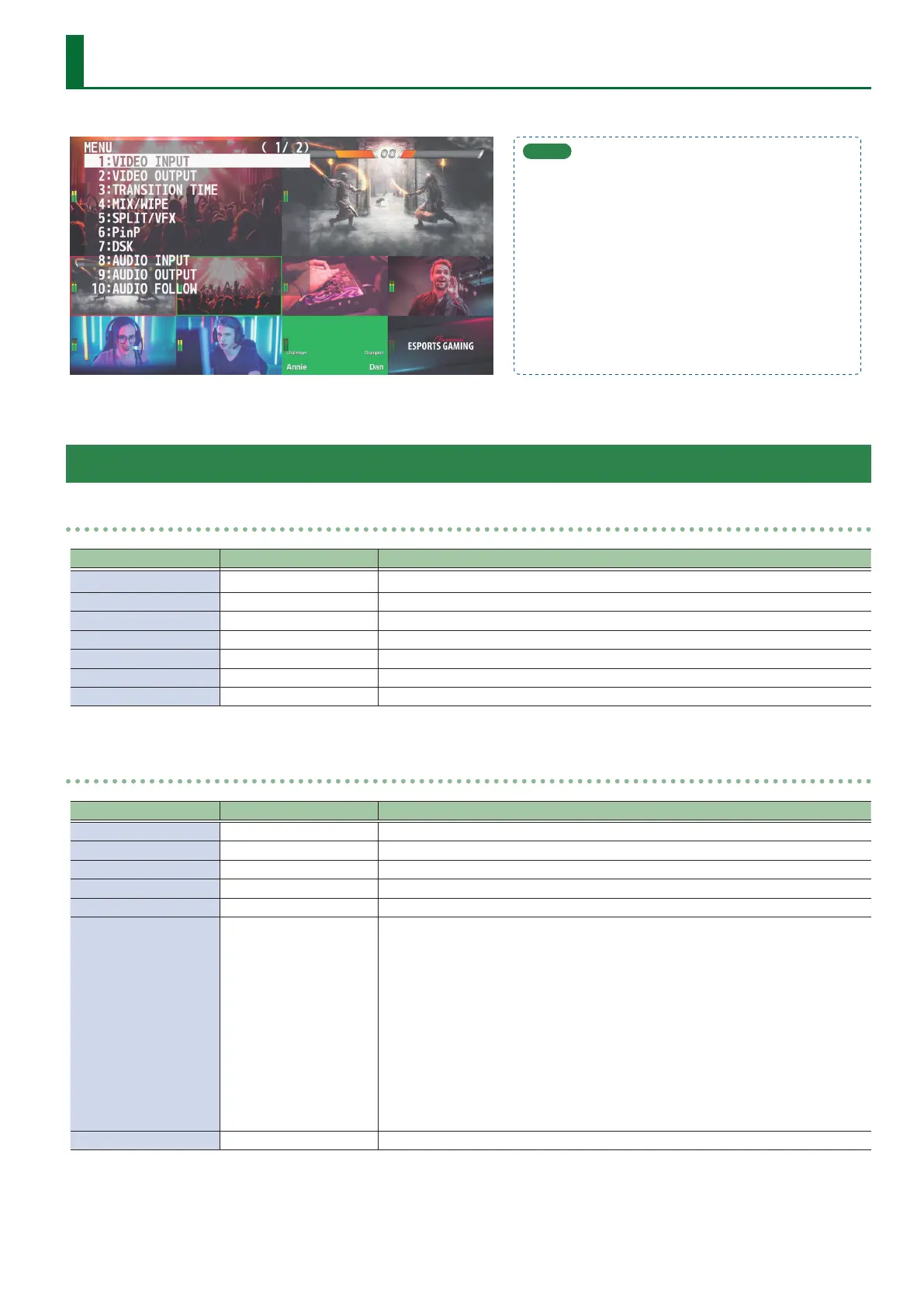
When you press the [MENU] button, the menu is shown on this unit’s monitor and on the display that’s connected to the OUTPUT 3 connector.
MEMO
5 When a setting value has menu items that let you make
more-detailed settings, “ENTER” is displayed at the top of
the screen. Press the [VALUE] knob to go down a level.
5 To execute an operation, press the [VALUE] knob.
5 You can change a setting value rapidly by holding down
the [VALUE] button and turning.
5 Long pressing the [EXIT] button returns the currently
selected setting to its default value.
1: VIDEO INPUT
INPUT 1–6
Menu item Value (Bold: default) Explanation
INPUT STATUS ENTER Displays information about the incoming video (format, size, etc.).
INPUT ASSIGN HDMI, STILL 1–8 Selects the input source.
FLIP H OFF, ON If this is “ON,” the video is input with left and right ipped.
FLIP V OFF, ON If this is “ON,” the video is input with top and bottom ipped.
BRIGHTNESS -32–0–31 Adjusts the brightness.
CONTRAST -32–0–31 Adjusts the contrast.
SATURATION -32–0–31 Adjusts the saturation.
INPUT 7, 8 (SCALER)
Menu item Value (Bold: default) Explanation
INPUT STATUS ENTER Displays information about the incoming video (format, size, etc.).
INPUT ASSIGN HDMI, STILL 1–8 Selects the input source.
FLICKER FILTER OFF, ON If this is “ON,” ickering is reduced.
FLIP H OFF, ON If this is “ON,” the video is input with left and right ipped.
FLIP V OFF, ON If this is “ON,” the video is input with top and bottom ipped.
EDID
INTERNAL
SVGA (800x600)
XGA (1024x768)
WXGA (1280x800)
FWXGA (1366x768)
SXGA (1280x1024)
SXGA+ (1400x1050)
UXGA (1600x1200)
WUXGA (1920x1200)
720p
1080i
1080p
Species the input format (EDID).
If this is “INTERNAL,” EDID information for all formats that can be input to the V-8HD will
be transmitted.
What is EDID?
EDID is data that is transmitted from the V-8HD to the source device when the V-8HD is
connected to a source device. EDID contains data such as the formats that can be input
to the V-8HD (resolution, color space, color depth) and audio information.
Based on the EDID information that the source device receives, it will output the most
appropriate video format to the V-8HD.
ZOOM 10.0–100.0–1000.0% (*1) Adjusts the zoom ratio.



 To Next Page