41
Other Features
Saving to a Preset Memory
Preset memory 1–8
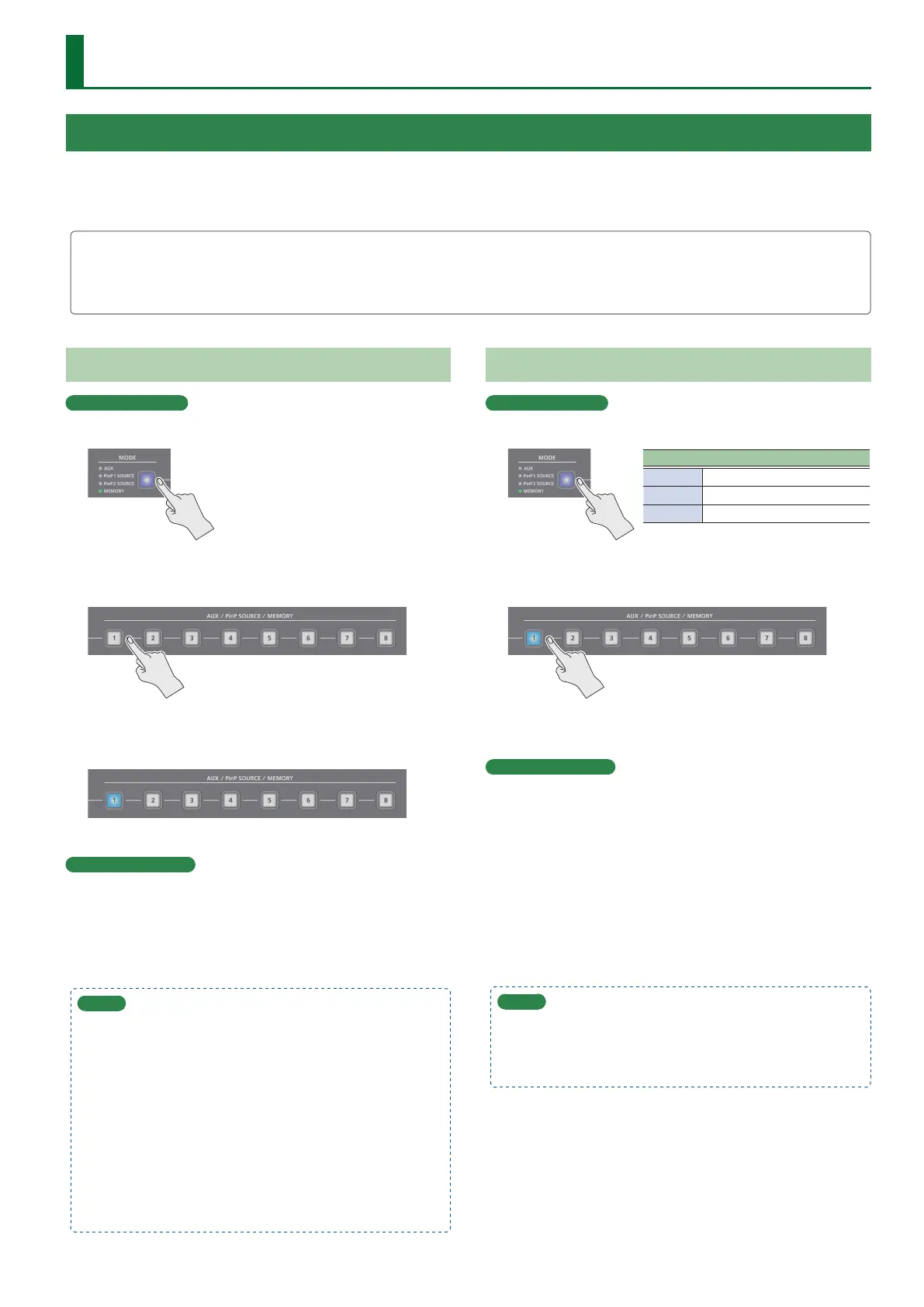
1. Use the [MODE] button to select “MEMORY.”
2. Long-press the MEMORY button for the number
where you want to save the settings.
All of the MEMORY [1]–[8] buttons are briey illuminated in light
blue, and the current settings are saved in the selected preset
memory.
Preset memory 9–24
1. Press the [MENU] button and select the memory
number from “PRESET MEMORY”0“SAVE,” and
press the [VALUE] knob.
MEMO
5 If you change [MENU] button0“PRESET MEMORY”0
“NUMBER OF MEMORY SW “from 8 to 24, the A [1]–[8] buttons
and B [1]–[8] buttons operate respectively as MEMORY 9–16
buttons and MEMORY 17–24 buttons when MODE is MEMORY.
5 You can prohibit settings from being saved or initialized
(p. 42) to protect the preset memories.
Use the [MENU] button0“PRESET MEMORY”0and set
“MEMORY PROTECT” to “ON.”
5 Since settings related to the system, freeze and so on are
common to the entire unit, they are not saved in a memory.
For details, refer to “SAVE” in “11: PRESET MEMORY” (p. 78).
Recalling a Preset Memory
Preset memory 1–8
1. Use the [MODE] button to select “MEMORY.”
MEMORY [1]–[8] button illumination color
Light blue Currently selected memory
Blue Memories in which data is saved
Unlit Memories with no data (empty)
2. Press the MEMORY button for the number whose
setting you want to recall.
The settings are recalled.
Preset memory 9–24
1. Press the [MENU] button and select the memory
number from “PRESET MEMORY”0“LOAD,” and
press the [VALUE] knob.
MEMO
When recalling a preset memory, you can specify the individual
menu items that will be included in the recalled preset memory.
To make this setting, use the [MENU] button0“PRESET MEMORY”
0 “LOAD PARAMETER.”
Saving/Recalling Settings (Preset Memory)
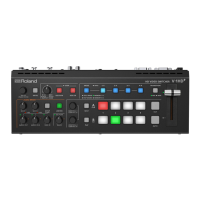
You can save the current settings, including the video/audio settings and the state of the operating panel, in preset memory and recall those
settings for use when necessary. The V-8HD is provided with 24 preset memories.
* The settings are saved in preset memory as demo data by factory default.
About the last memory function
The V-8HD has a built-in Last Memory function. Last Memory is a function that saves the state of the unit that is in eect immediately before power-
down, and automatically restores the state at the next startup. The Last Memory function is enabled by default. If you want the unit to recall a specic
preset memory when it starts up, use the PRESET MEMORY menu item “START UP” to specify the preset memory number.


 To Next Page