40
Audio Operations
Checking a Specic Audio Input (Solo)
Here’s how you can temporarily monitor a specic audio input via the
headphones (solo function).
* The solo function applies to the headphone output. It does not
aect output other than the headphones.
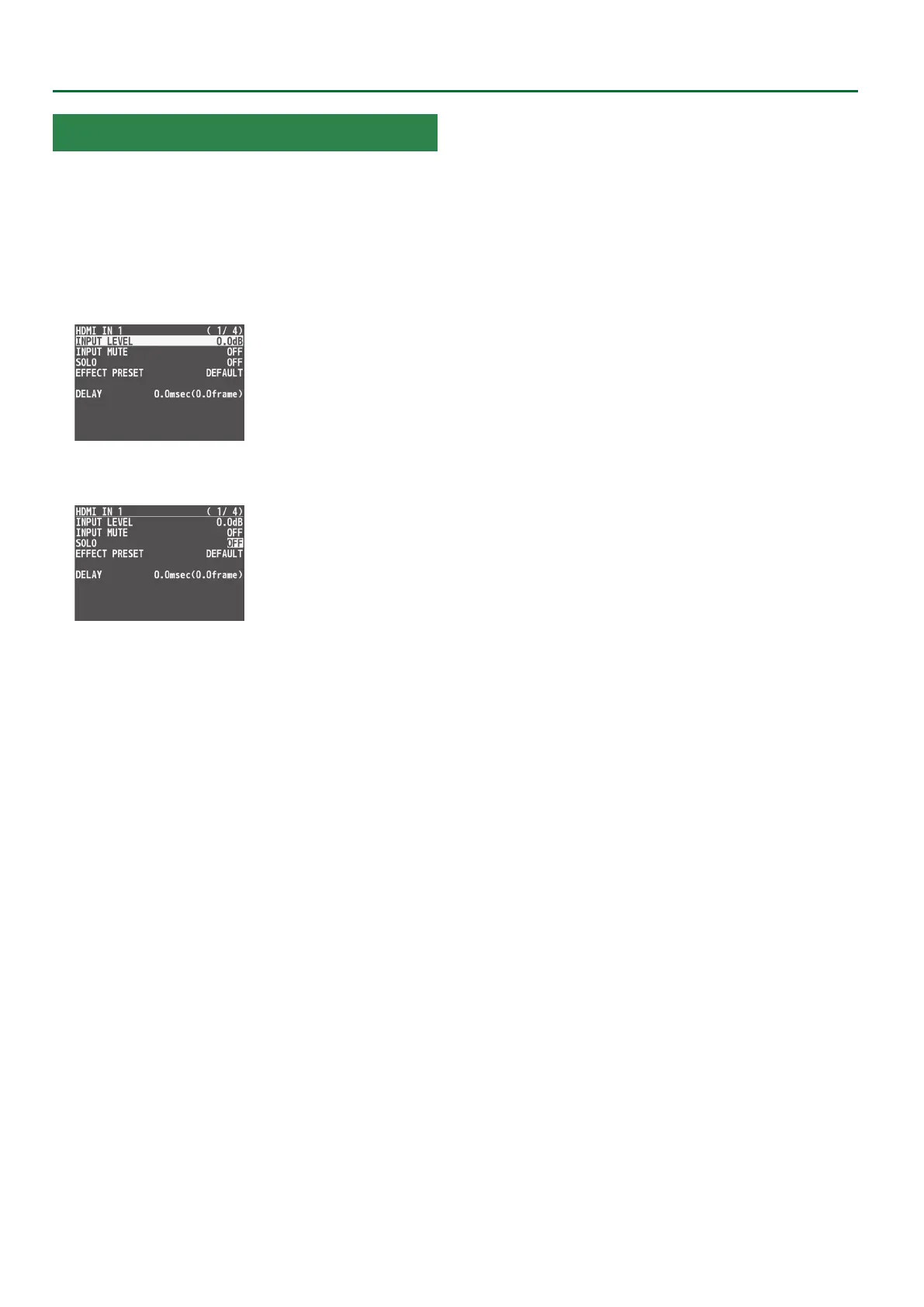
1. Press the [MENU] button0”AUDIO INPUT”0select
“HDMI IN 1”–“HDMI IN 8” or “AUDIO IN,” and press
the [VALUE] knob.
2. Use the [VALUE] knob to select “SOLO,” and press
the [VALUE] knob.
3. Use the [VALUE] knob to select “ON,” and press the
[VALUE] knob.
4. Press the [MENU] button to quit the menu.



 To Next Page