12
Recording Videos
Video mode allows you to shoot movie scenario.
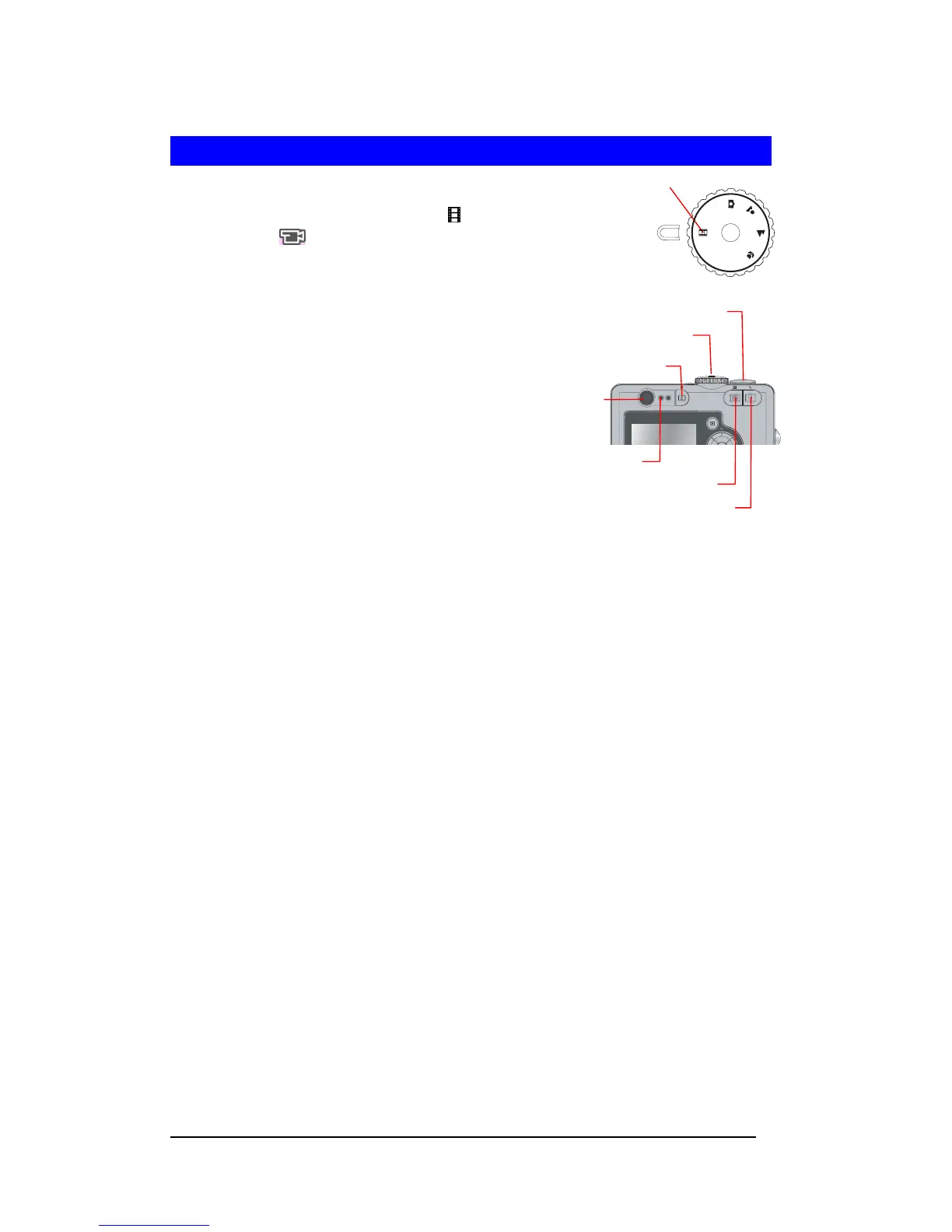
1 Switch the Mode Dial to Video Mode < > The
Video icon <
> is displayed on the LCD
Monitor.
Note : Flash, digital Zoom-in and Zoom-out
cease to function during video mode.
2 Frame the subject on the LCD Monitor.
3 Press Shutter button to start video
recording. The message “REC”
will display on the LCD Monitor. Press the
Shutter button to stop recording.







 To Next Page