27
Setting Sharpness
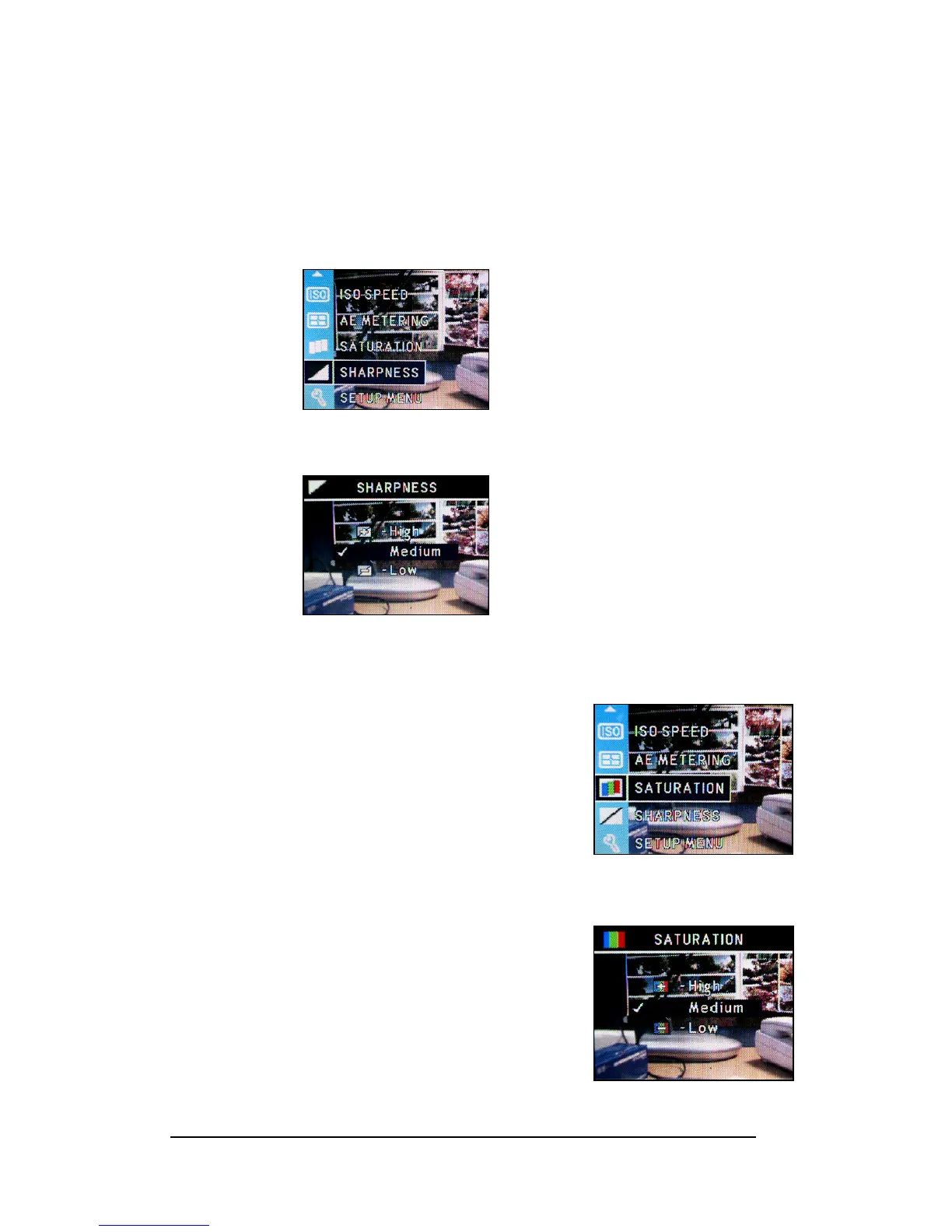
This camera provides 3 levels of image sharpness- High, Medium and Low.
1 Press <Menu/OK> button.
2 Press Up-arrow (c) or Down-arrow (d) button to select “SHARPNESS”.
3 Press <Menu/OK> button.
4 Select Sharpness level.
5 Press <Menu/OK> button to apply the setting.
Setting Saturation
This camera provides 3 levels of image saturation- High,
Medium and Low.
1 Press <Menu/OK> button.
2 Select the “SATURATION”
3 Press <Menu/OK> button to enter Saturation
submenu.
4 Set up the Saturation level.
5 Press <Menu/OK> button to apply the setting.








 To Next Page