30
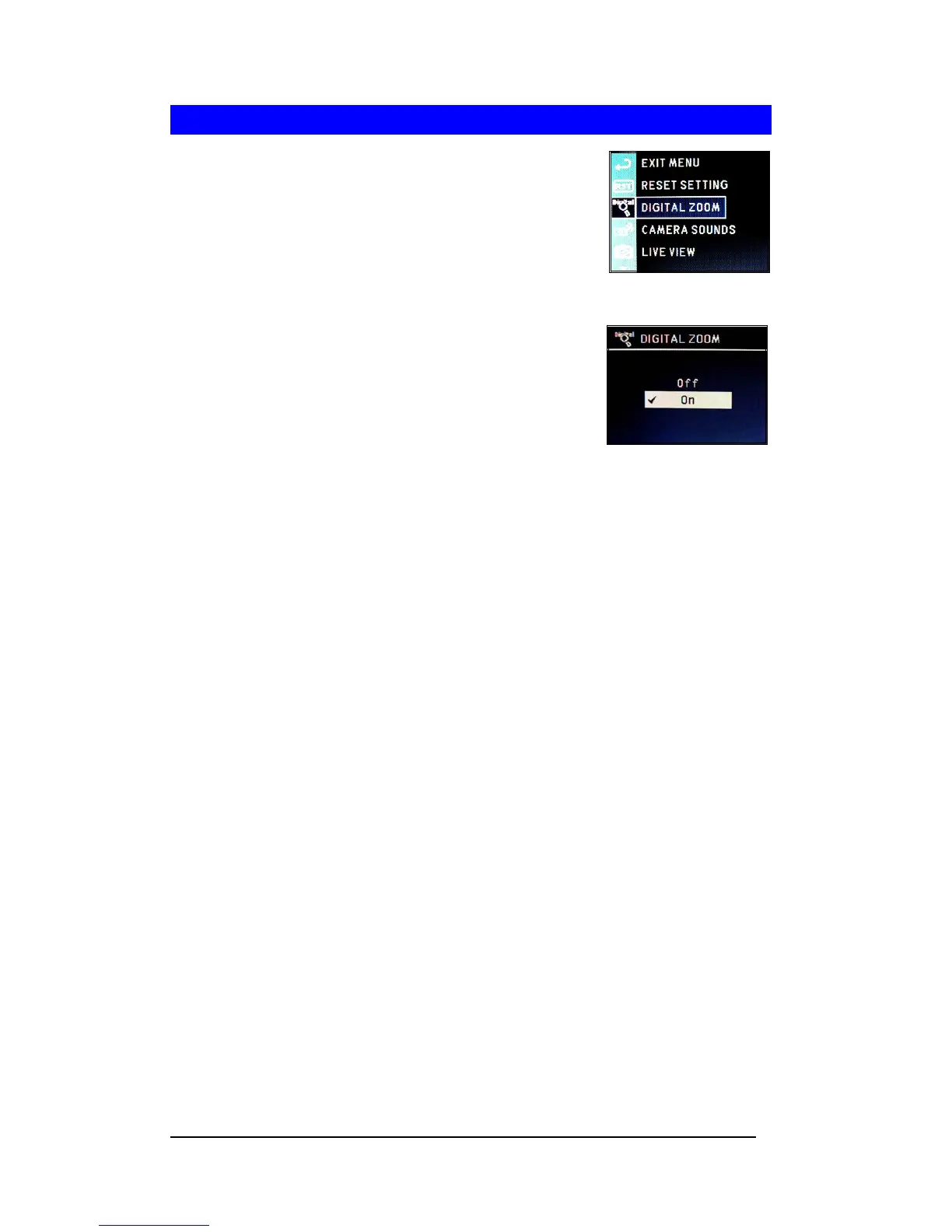
Setting Digital Zoom
.
1 Press <Menu/OK> button.
2 Press to select “SETUP MENU”.
3 Press <Menu/OK> button.
4 Select “DIGITAL ZOOM”
5 Press <Menu/OK> button.
6 Press “Off” to disable Digital Zoom and press
<Menu/OK> button to apply the settings. To enable
this function, repeat procedure and select “On.”








 To Next Page