13
Adding Audio to Images
You may add voice to the captured still images.
1 Turn On Camera. Press Playback ( ) button. The last captured will be displayed.
2 Press Left-arrow (e) button or Right-arrow (f) button to select the image you want to
add audio.
3 Press <Menu/OK> button. Press Up-arrow (c) or Down-arrow (d) button to select the
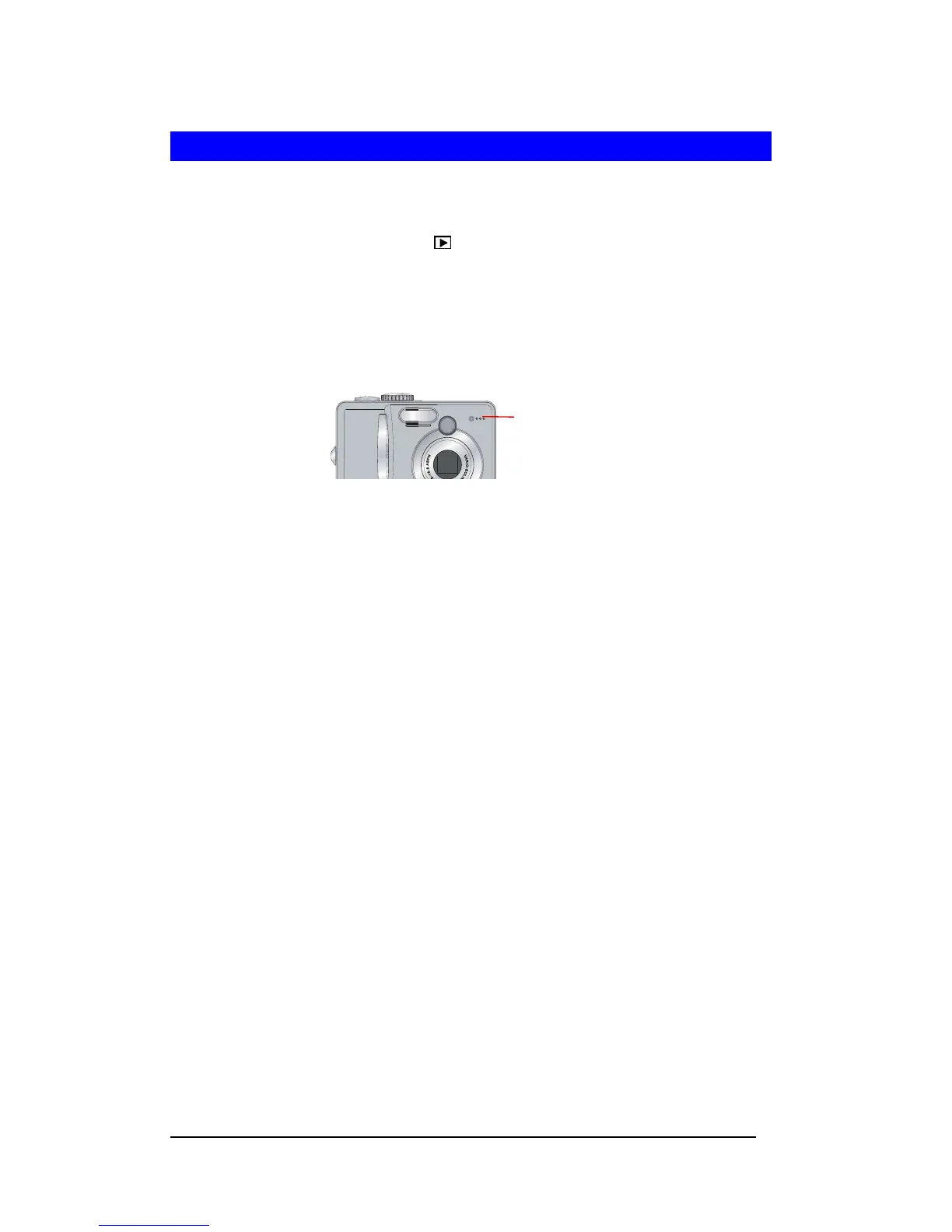
“RECORD AUDIO”. Press <Menu/OK> button to start audio recording. Be sure to
position camera microphone toward the source of sound.
4 Press <Menu/OK> button to stop the audio recording.
Micro







 To Next Page