14
Setting Self-Timer
This camera provides 10 seconds for the self-timer.
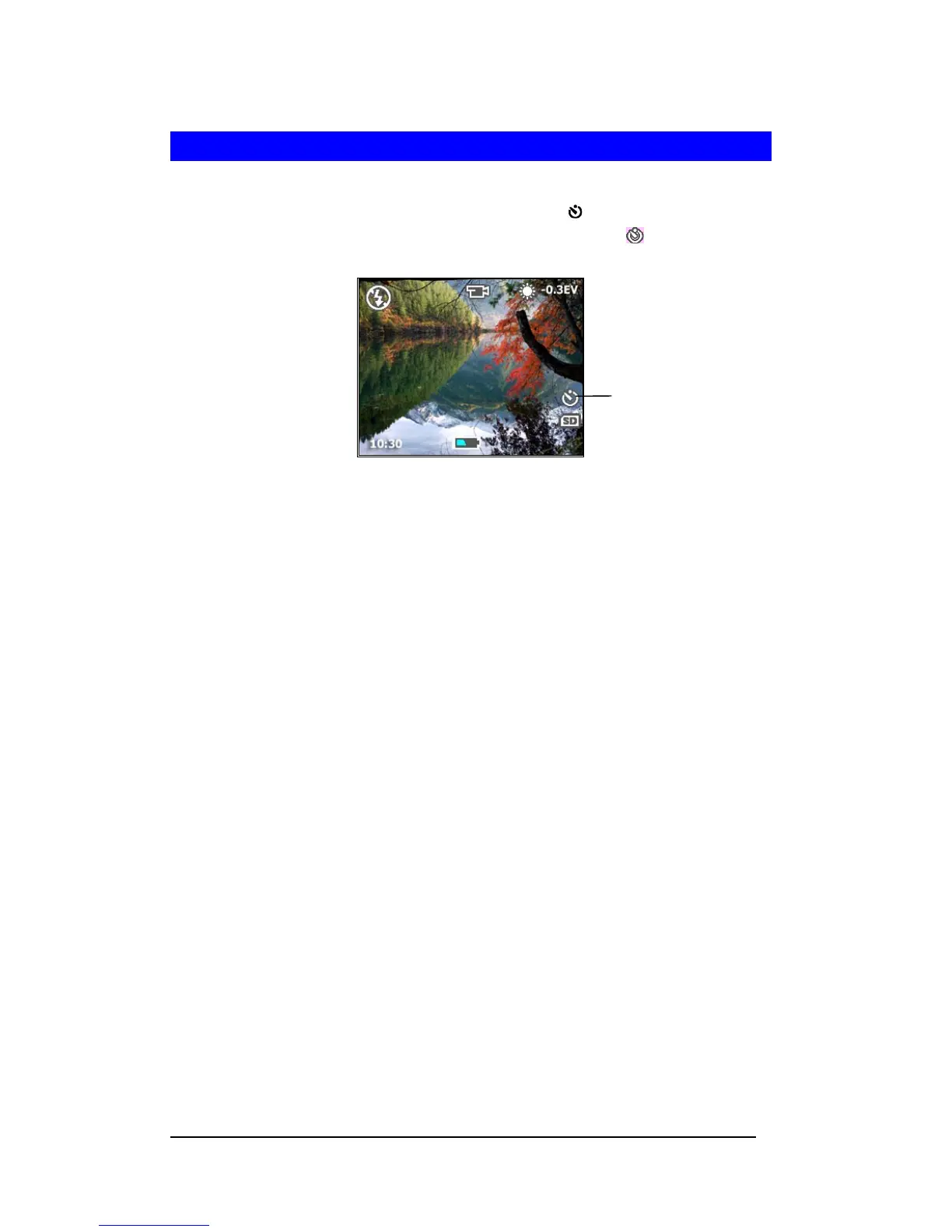
1 In Capture mode, press Up-arow/Self-timer button (c / ). The Self-timer screen will
display on the LCD monitor for 3 seconds. The Self-timer icon <
> will display on the
LCD monitor.
2 Press the Shutter button.
3 Camera starts to countdown with a beep.
4 After image is captured, the Self-timer will turn off automatically.
Self-Timer Icon







 To Next Page