22
Settings Capture Mode
Switching LCD Off between Shots
1 In Capture mode, press the Left-arrow/LCD on/ff button (e/ ) to switch OFF the LCD
monitor.
2 To switch On the LCD, press the Left-arrow/LCD on/off button (e/ ) again.
Setting LCD Always Off
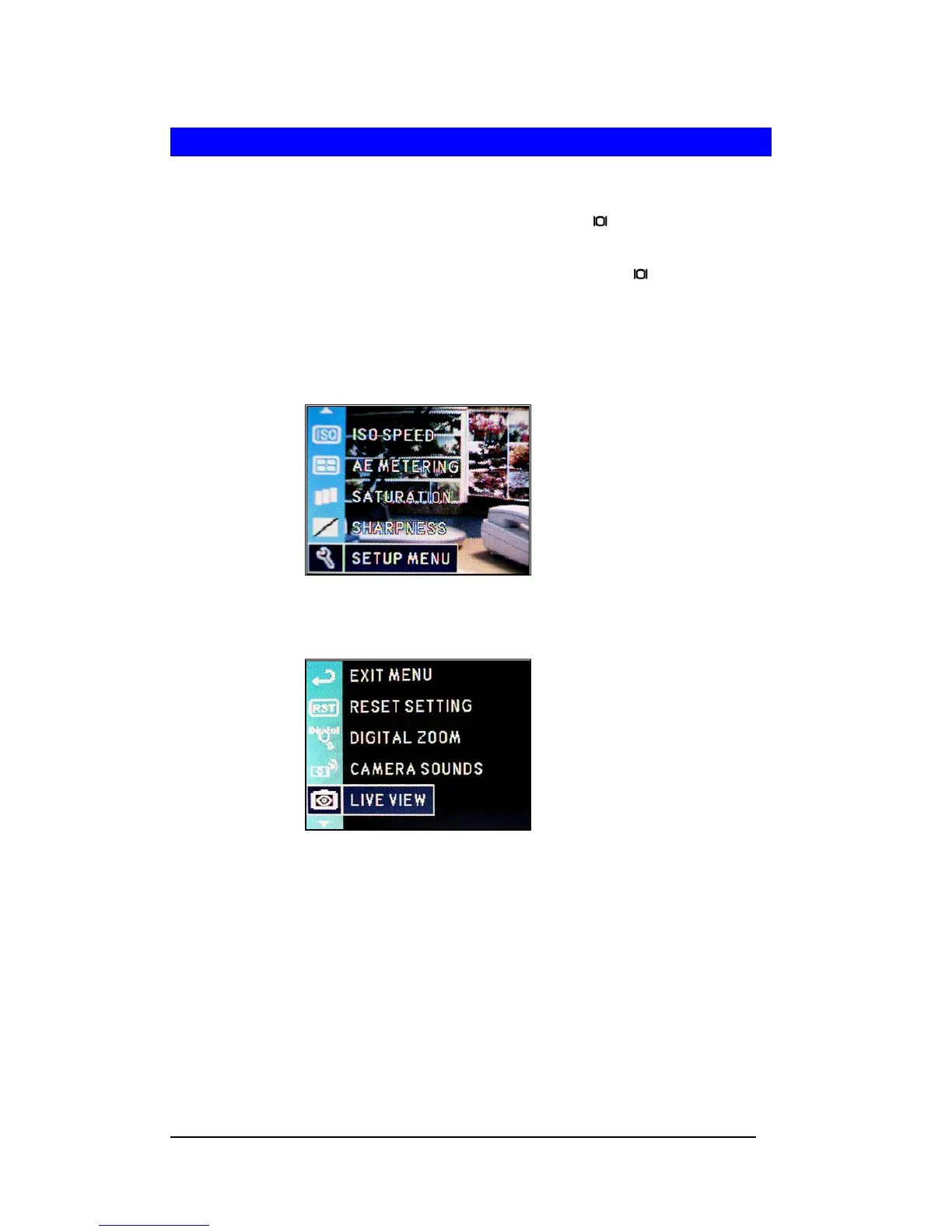
1 Press <Menu/OK> button.
2 Select “SETUP MENU” by pressing Down-arrow (d) or Up-arrow (c) button.
3 Press <Menu/OK> button.
4 Select “LIVEVIEW”.
5 Press <Menu/OK> button.
6 Set “Off” and press <Menu/OK> button to apply the setting.







 To Next Page