26
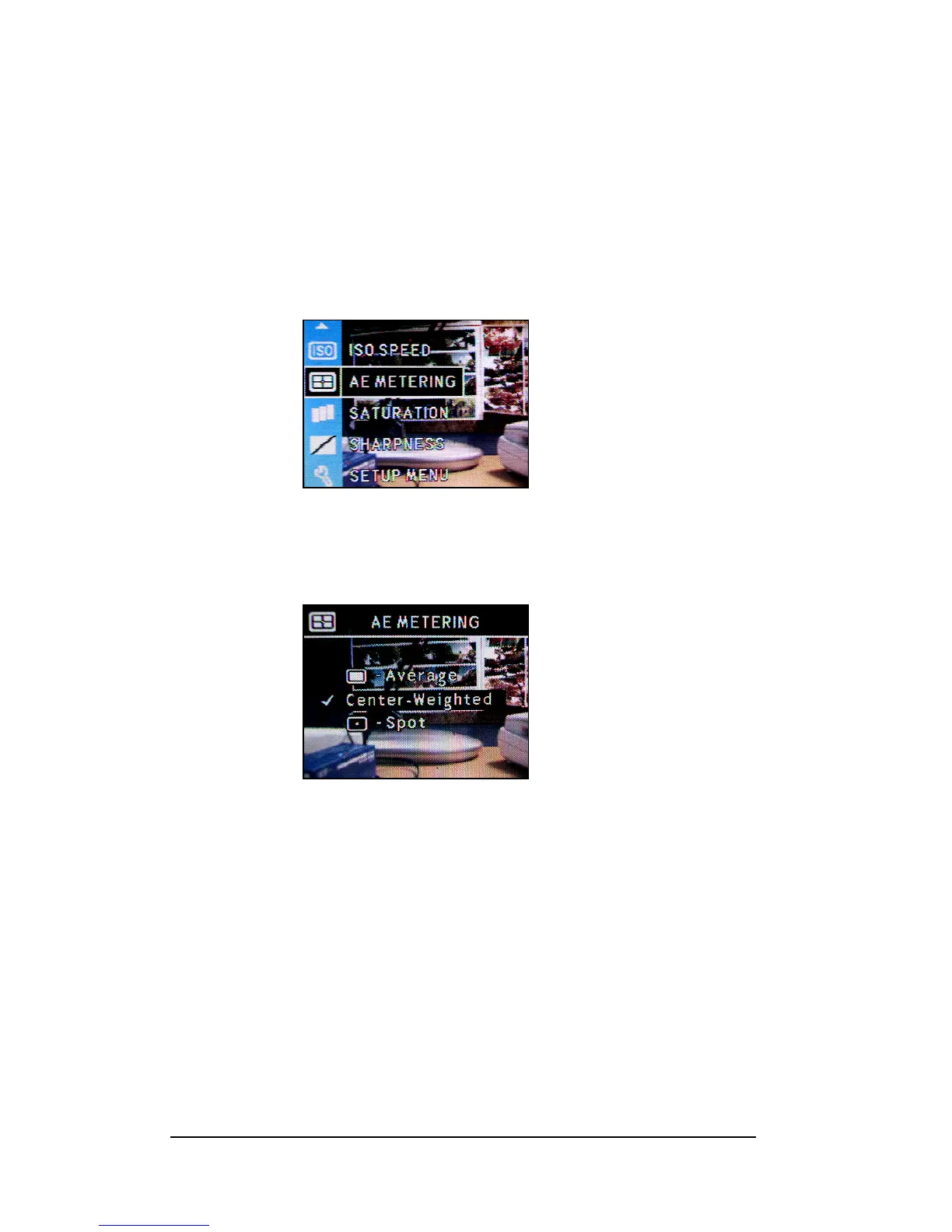
Setting Auto-Exposure (AE) Metering
This camera provides three modes of AE metering- Average, Center-weighted and Sport
metering.
1 Press <Menu/OK> button.
2 Press Up-arrow (c) or Down-arrow (d) button to select the “AE METERING”
3 Press <Menu/OK> button.
4 Press Up-arrow (c) or Down-arrow (d) button to select the Metering Mode.
5 Press <Menu/OK> button to setup.







 To Next Page