ELECTRONIC OVEN CONTROL
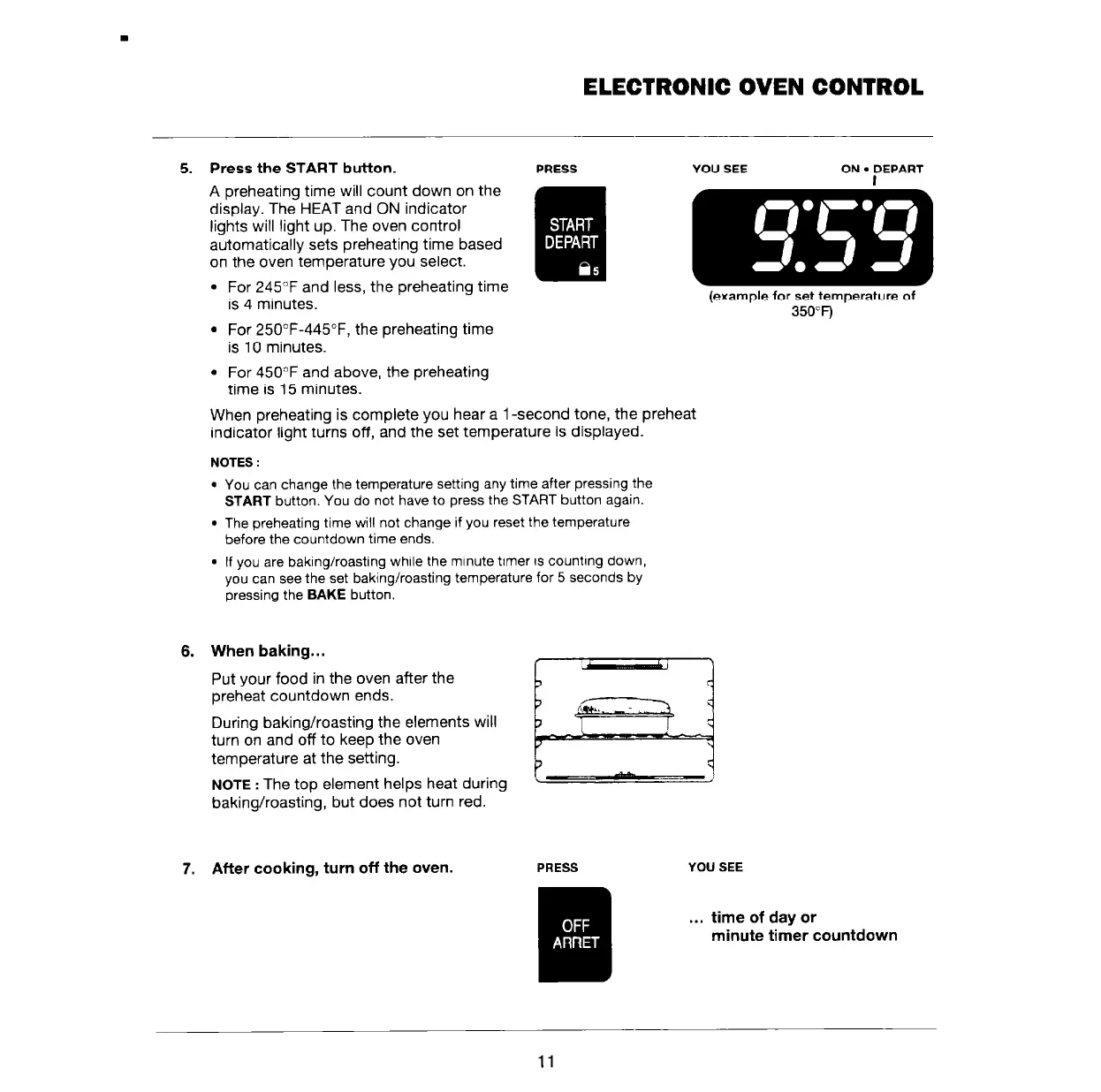
5. Press the START button.
A preheating time will count down on the
display. The HEAT and ON indicator
lights will light up. The oven control
automatically sets preheating time based
on the oven temperature you select.
l
For 245°F and less, the preheating time
is 4 minutes.
. For 25O”F-445”F, the preheating time
is IO minutes.
l
For 450°F and above, the preheating
time is 15 minutes.
PRESS
YOU SEE ON
l
DEPART
When preheating is complete you hear a 1 -second tone, the preheat
indicator light turns off, and the set temperature is displayed.
NOTES :
l
You can change the temperature setting any time after pressing the
START button. You do not have to press the START button again.
l
The preheating time will not change if you reset the temperature
before the countdown time ends.
l
If you are baking/roasting while the minute timer is counting down,
you can see the set baking/roasting temperature for 5 seconds by
pressing the BAKE button.
6. When baking...
Put your food in the oven after the
preheat countdown ends.
During baking/roasting the elements will
turn on and off to keep the oven
temperature at the setting.
NOTE
: The top element helps heat during
baking/roasting, but does not turn red.
(example
for
set temperature
of
350°F)
7. After cooking, turn off the oven.
YOU SEE
. . .
time of day or
minute timer countdown
11



 To Next Page