OVEN SELF-CLEANING CYCLE
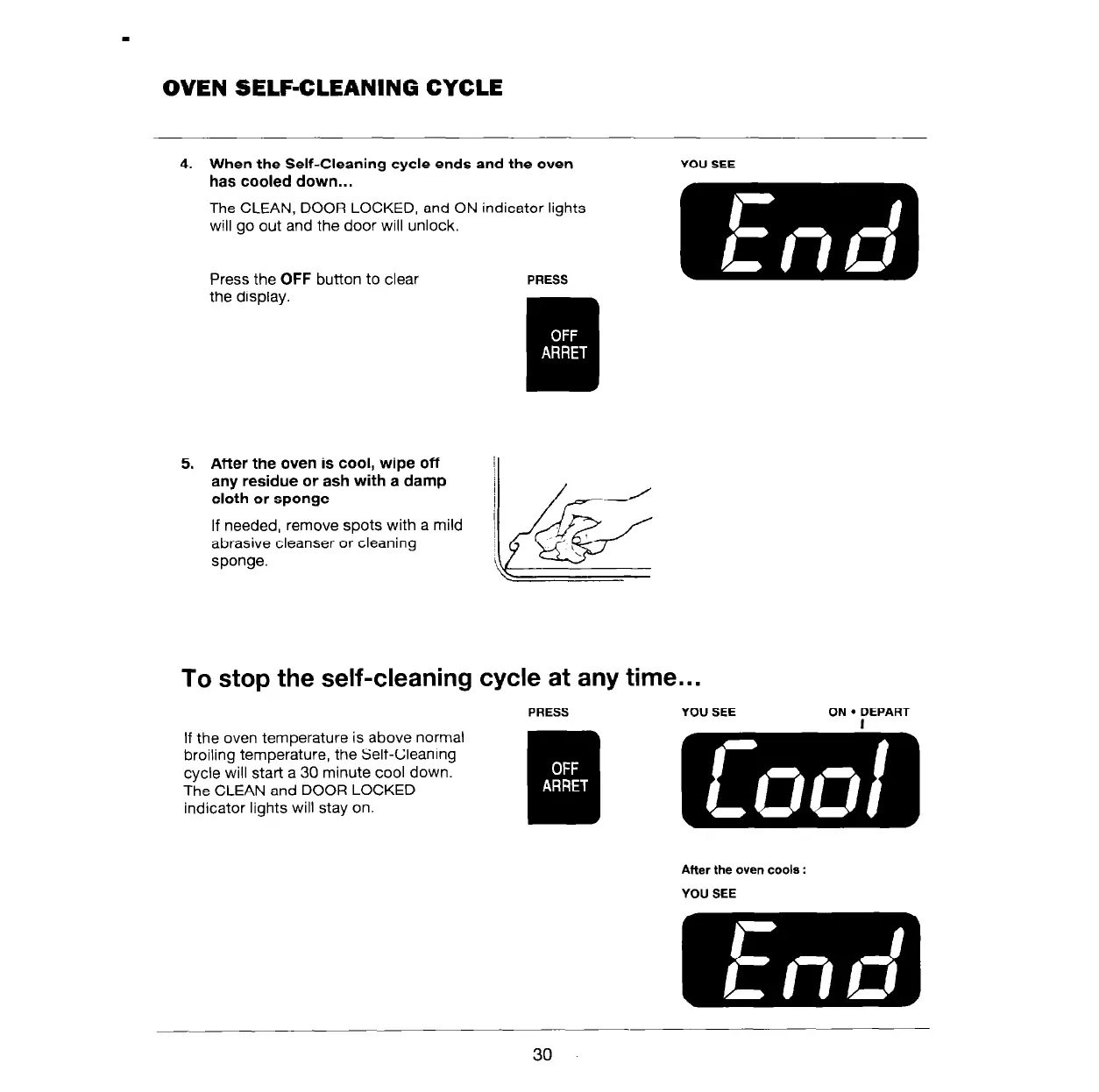
4. When the Self-Cleaning cycle ends and the oven
has cooled down...
The CLEAN, DOOR LOCKED, and ON indicator lights
will go out and the door will unlock.
Press the OFF button to clear
the display.
PRESS
YOU SEE
5. After the oven is cool, wipe off
any residue or ash with a damp
cloth or sponge
If needed, remove spots with a mild
abrasive cleanser or cleaning
sponge.
To stop the self-cleaning cycle at any time...
If the oven temperature is above normal
broiling temperature, the Self-Cleaning
cycle will start a 30 minute cool down.
The CLEAN and DOOR LOCKED
indicator lights will stay on.
After the oven cools :
YOU SEE
30



 To Next Page