ELECTRONIC OVEN CONTROL
Vari-Broil
To custom broil at a lower temperature...
.
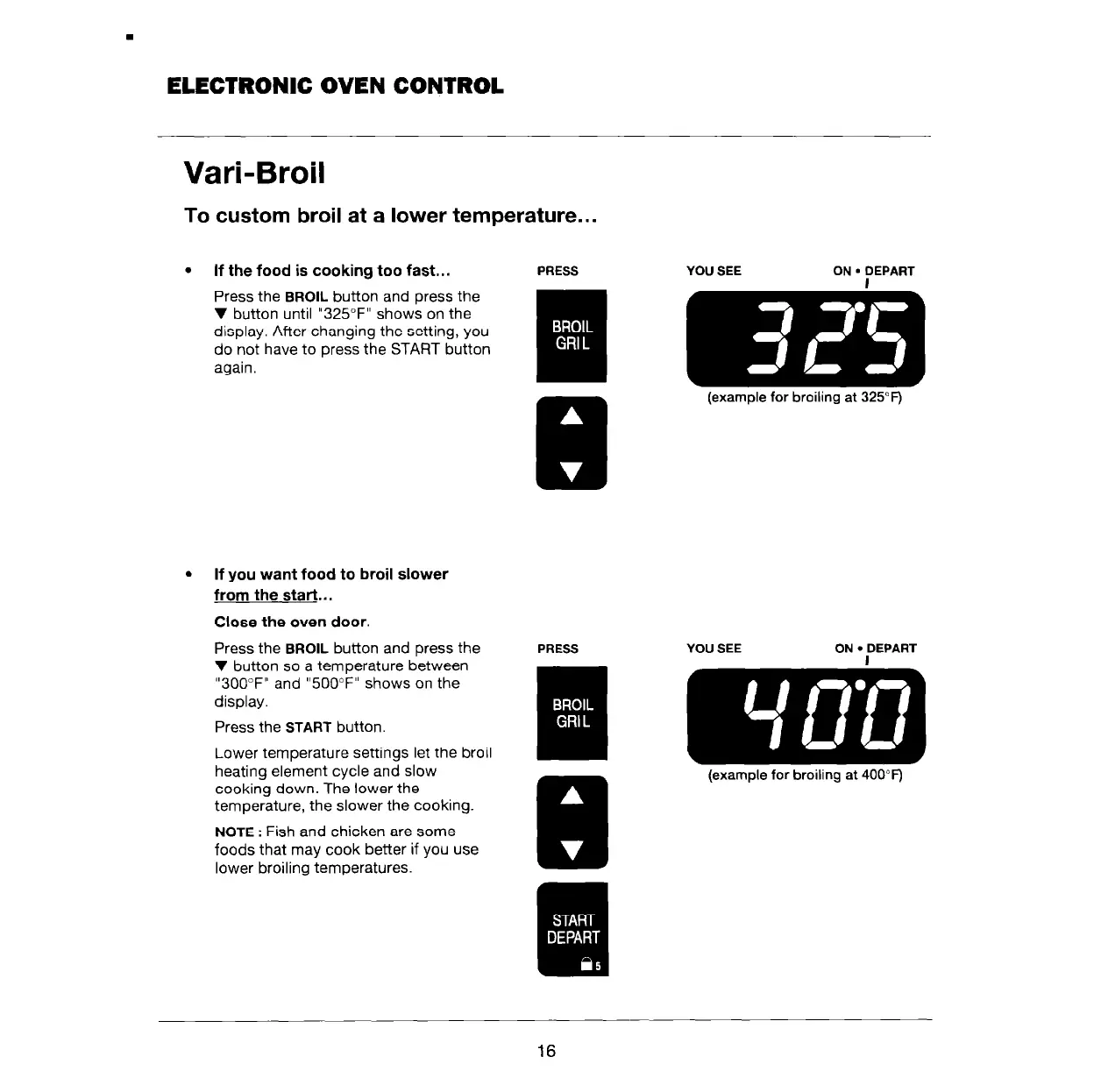
If the food is cooking too fast...
PRESS
YOU SEE
ON
l
DEPART
Press the
BROIL
button and press the
V button until “325°F” shows on the
display. After changing the setting, you
do not have to press the START button
again.
I m
E
(example for broiling at 325°F)
.
If you want food to broil slower
from the start...
Close the oven door.
Press the
BROIL
button and press the
V button so a temperature between
“300°F” and “500°F” shows on the
display.
Press the
START
button.
Lower temperature settings let the broil
heating element cycle and slow
cooking down. The lower the
temperature, the slower the cooking.
NOTE
: Fish and chicken are some
foods that may cook better if you use
lower broiling temperatures.
PRESS
YOU SEE
ON
l
DEPART
I
(example for broiling at 400°F)
16



 To Next Page