ELECTRONIC OVEN CONTROL
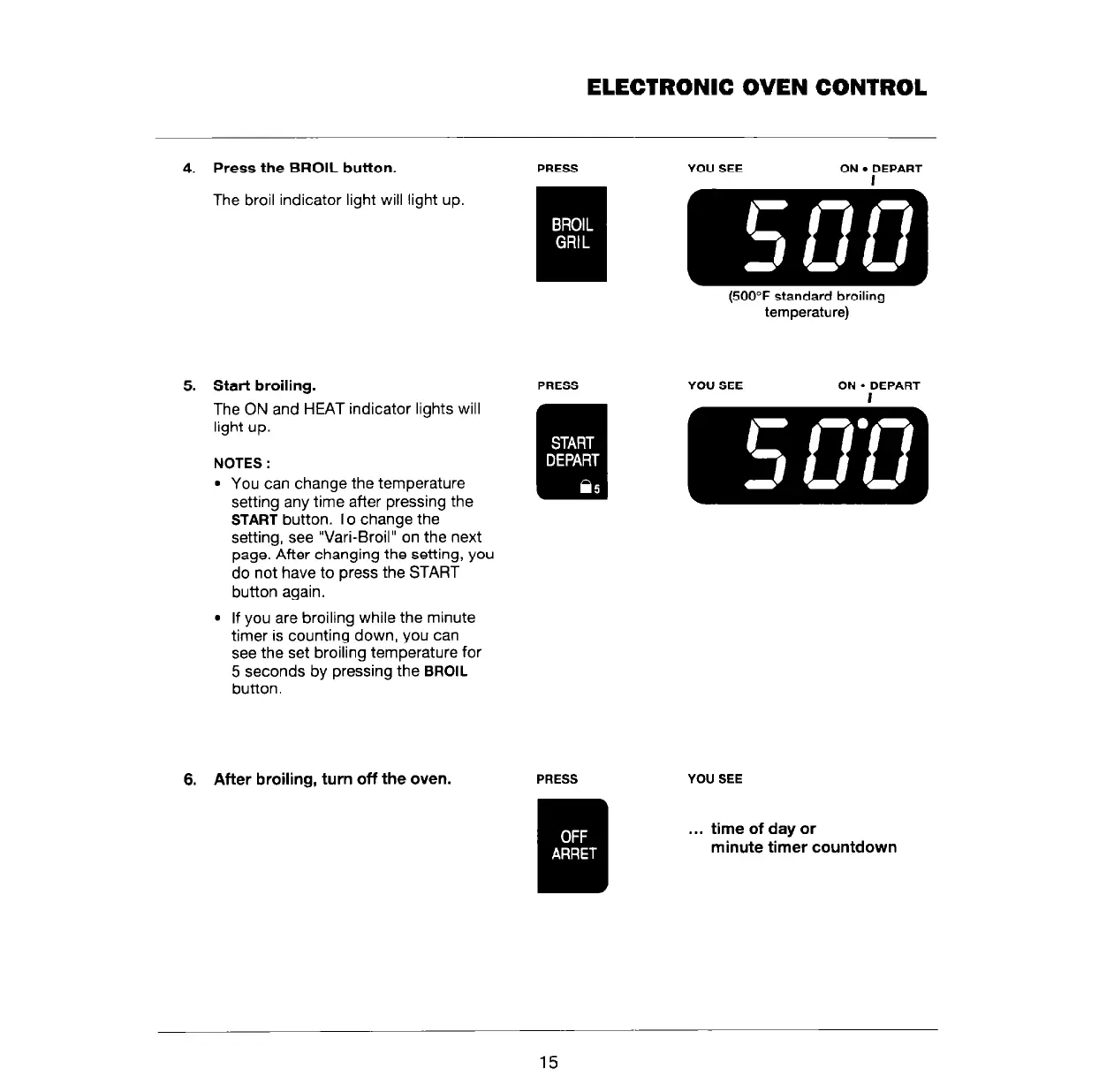
4. Press the BROIL button.
PRESS YOU SEE ON
l
DEPART
The broil indicator light will light up.
5. Start broiling.
The ON and HEAT indicator lights will
light up.
NOTES :
l
You can change the temperature
setting any time after pressing the
START
button. To change the
setting, see “Vari-Broil” on the next
page. After changing the setting, you
do not have to press the START
button again.
l
If you are broiling while the minute
timer is counting down, you can
see the set broiling temperature for
5 seconds by pressing the
BROIL
button.
6. After broiling, turn off the oven.
PRESS
temperature) -
YOU SEE ON. DEPART
YOU SEE
. . .
time of day or
minute timer countdown
15



 To Next Page