L600N - Dual Band Wireless Router
11
QUICK SETUP GUIDE
Connecting Guide
7. Setup Wizard Guide
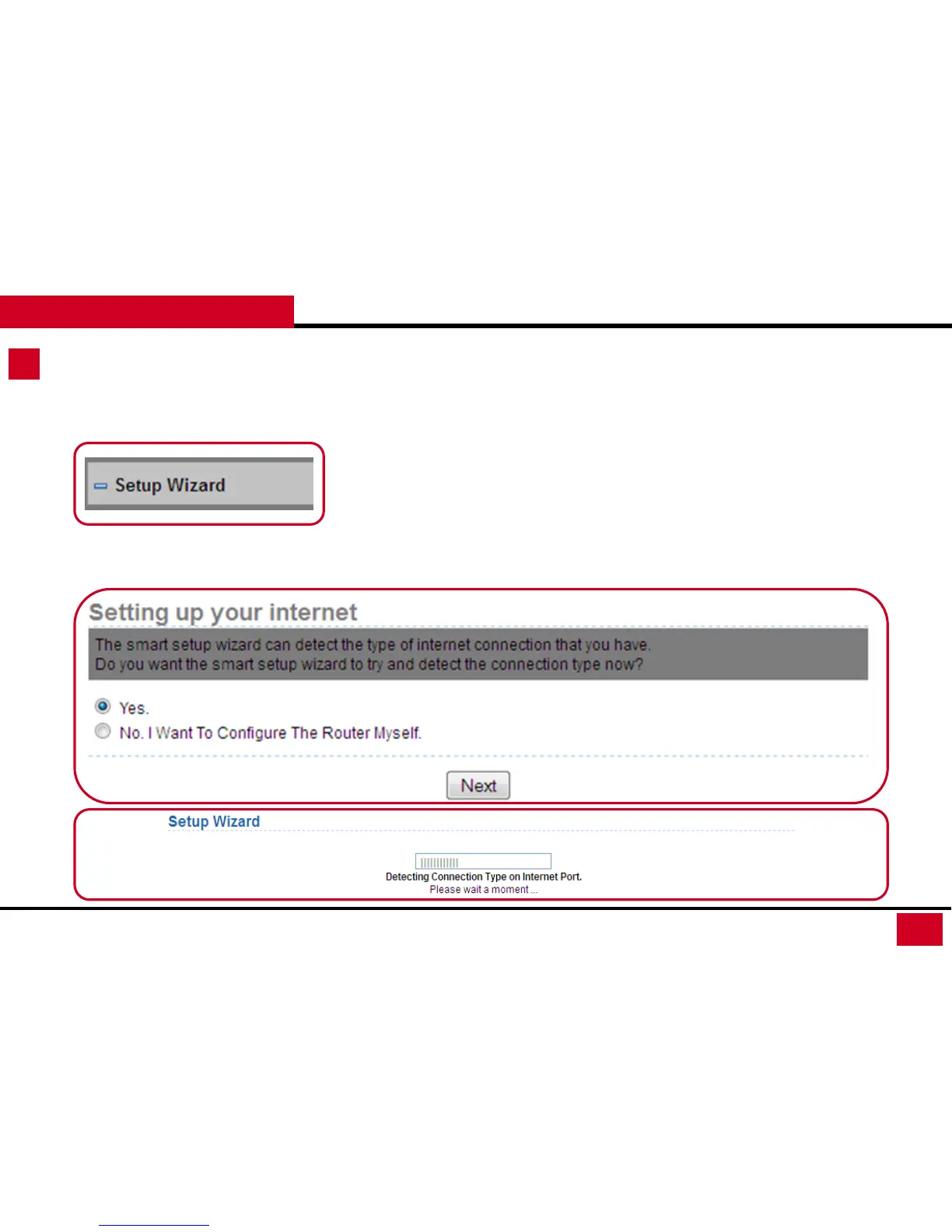
• Click on Setup Wizard.
• Select “Yes”, then “Next”
• L600N will Auto-Detect your Network and guide you through a step by step setting. (If your
connection was not detected here, you will need to setup manually under Network Setup’s
WAN Interface Setup on page 23.)



 To Next Page