4–8 • Configuration NK Series User Guide (1.0)
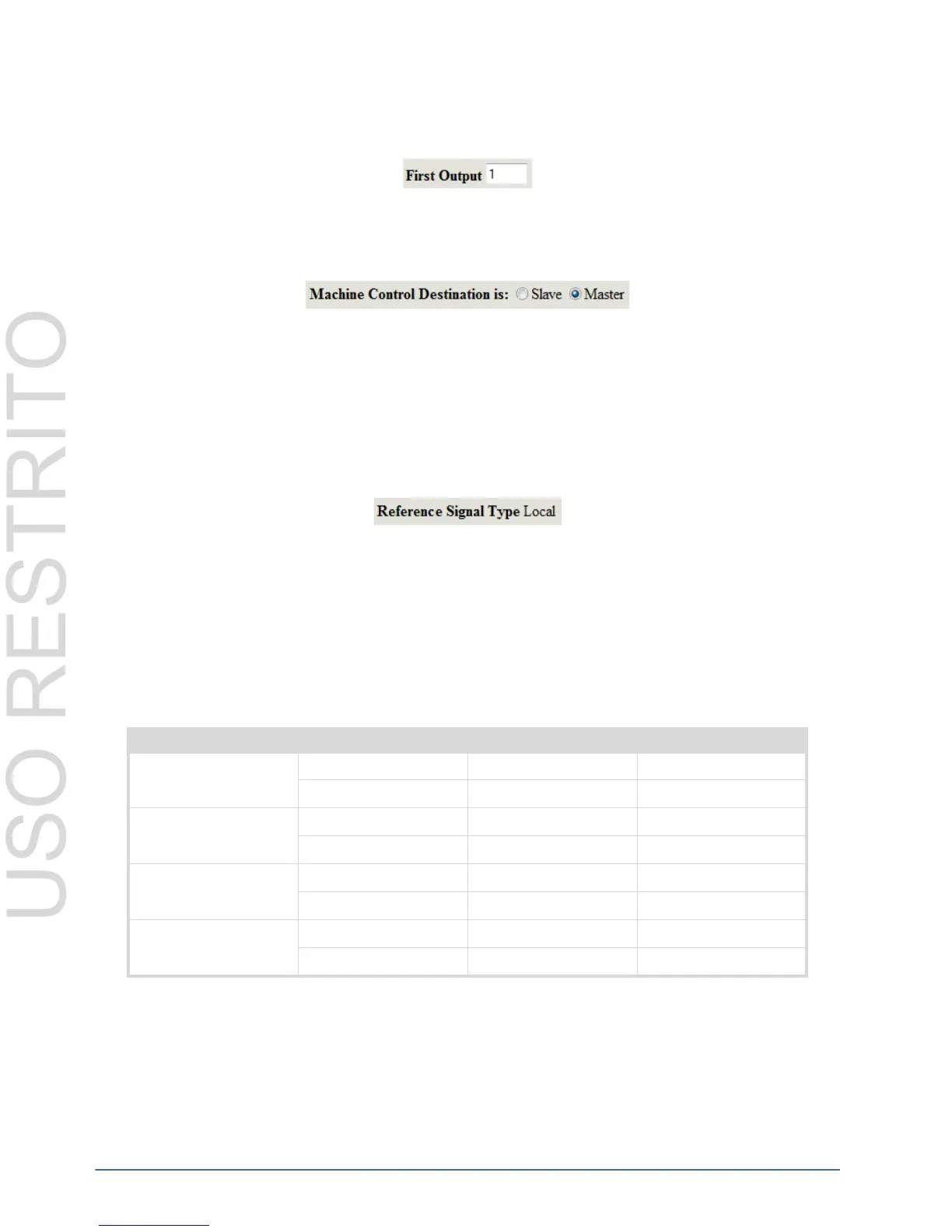
First Output
The First Output defines the first destination used (from the range of 1-255) by this router. The valid range for the
First Output is 1-65535, the default is 1.
Machine Control Destination (NK-M Routers only)
The Machine Control Destination radio buttons specify whether the destinations are used as the Slave or as the
Master.
The Machine Control Destination option is only available on the Machine Control router’s Device Properties
page. It is not applicable to other NK router models.
Status Fields
Reference Signal Type
The Reference Signal Type automatically detects if a video reference is being looped through the router. It will
show the signal type if there is a reference present, either PAL or NTSC, or, if no reference is detected, it will
display Local.
The Local signal is the internal random switching pulse that is generated by the router to ensure successful switch
timing. For more information on video referencing, please refer to “Video Referencing” on page 5–15.
Alarms
The Alarms status section of the Device Properties page is divided into three headings: Reference, Matrix Power
and RCP Power. The NK-64 routers also have an additional alarm warning for I/O Power.
There are four degrees of alarm urgency: Green (Normal operation), Yellow (Warning), Orange (Error) and Red
(Critical Error). The possible Reference, Matrix Power, and RCP Power statuses are displayed in Table 4.4.
Reference
The Reference status alarm indicates if there if a video reference connected to the router. It will also display the
format of the reference, either PAL or NTSC. If a video reference is connected, the router will attempt to perform all
switches during the vertical interval of the reference. If there is no reference connected, the router will still function,
Table 4.4 Alarms
Heading Possible Status Alarm Urgency Status Color
Reference No Reference Detected Warning Yellow
Reference Present None (Safe) Green
Matrix Power Matrix Power Error Critical Error Red
Matrix Power OK None (Safe) Green
RCP Power RCP Power Error Critical Error Red
RCP Power OK None (Safe) Green
I/O Power (NK-64 only) I/O Power OK None (Safe) Green
I/O Power Error Critical Error Red



 To Next Page