NK Series User Guide (1.0) Configuration • 4–11
Configuration Fields
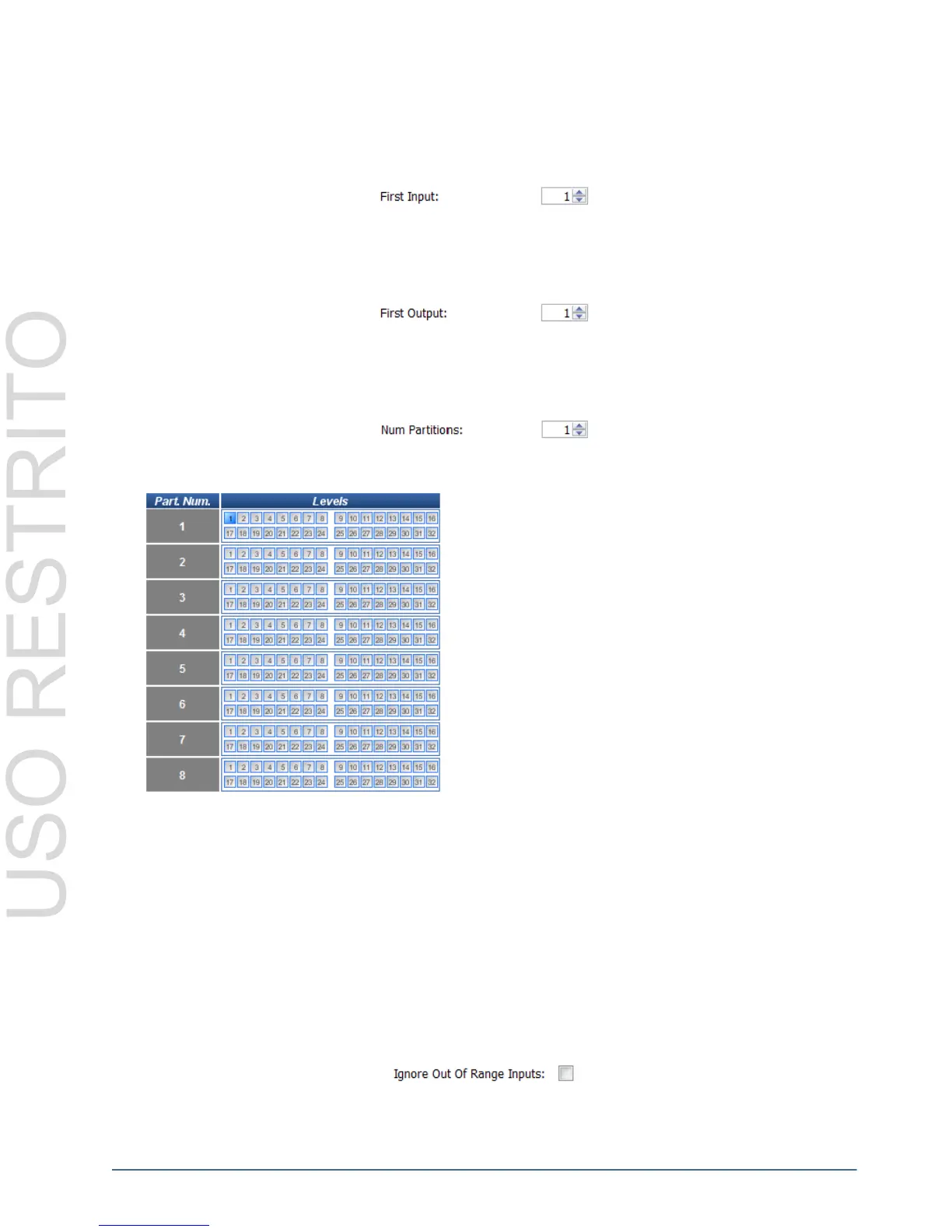
First Input
The First Input defines the first source used (from the range of 1-255) by the router. The valid range for the First
Input is 1-65535, the default is 1.
First Output
The First Output defines the first destination used (from the range of 1-255) by this router. The valid range for the
First Output is 1-65535, the default is 1.
Number of Partitions
The Num Partitions (Number of Partitions) indicates how you wish the router to be partitioned. The default value of
the partitions is 1 (no partitions.), The maximum value is 8.
Partition Levels
Machine Control Destination (NK-M Routers only)
The Machine Control Destination radio buttons specify whether the destinations are used as the Slave or as the
Master.
The Machine Control Destination option is only available on the Machine Control router’s Device Properties
page. It is not applicable to other NK router models.
Other Fields
Ignore Out Of Range Inputs
The Ignore Out of Range Inputs option will ignore switches on an offset router that has been configured to the same
level as another connected router. By default, the Ignore Out of Range Inputs option is not active (the check box is
not checked).
The Ignore Out of Range Inputs option is only available on the NK-64 and NK-72 routers and is only used for
specific installations.
The Partition Levels table allows users to configure levels to
each partition. Selecting a level, by clicking on a radio button
in the Level Mask column, assigns that level to a partition
number from the Part. Num. column.
Levels can be assigned more than once to different or distinct
partitions, but only one level can be selected for each partition.



 To Next Page