NK Series User Guide (1.0) Configuration • 4–19
*A dash (—) indicates that user defined values are not required and that any value entered here will be ignored.
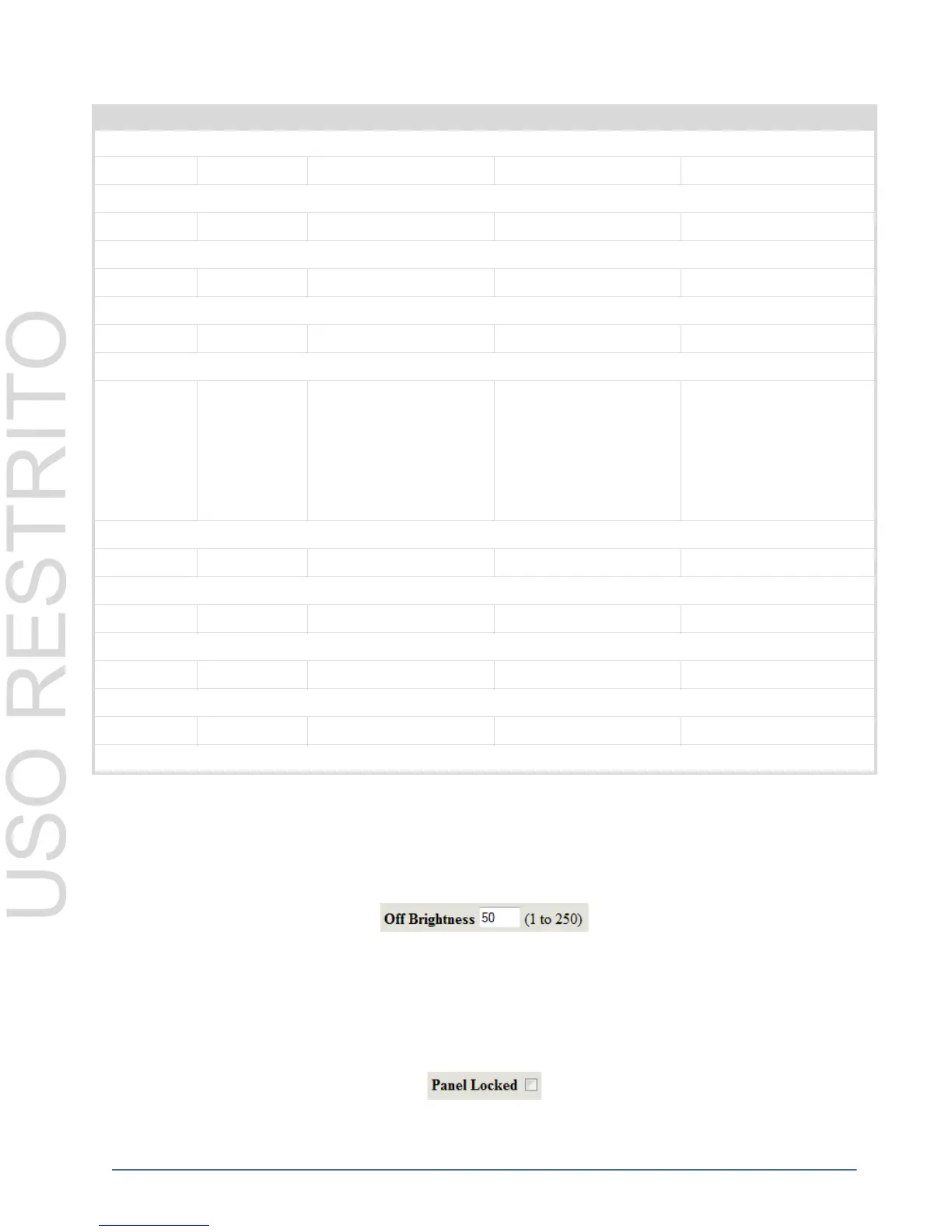
Off Brightness
The Off Brightness sets the LED brightness for the RCP-NK1 control panel buttons when the button is ‘off’; that is
when it has not been pressed and is not already active. The default value is 50. The valid input value range is 1-250.
The Off Brightness does not necessarily have to be a lower value than that of the On Brightness, although it is
generally advised to avoid confusion.
Panel Locked
The Panel Locked check box indicates when the panel has been locked to not respond to key presses. By default,
this feature is off.
The BREAKAWAY STEP key is a function key that, once assigned, does not require any user defined values to operate.
Macro (Macro) # — — Macro = 1-40
The valid range for the MACRO key is 1-40. (Up to 40 MACRO keys can be assigned to one panel.)
Protect — — — —
The PROTECT key is a function key that, once assigned, does not require any user defined values to operate.
Take————
The TAKE key is a function key that, once assigned, does not require any user defined values to operate.
Chop — — — —
The CHOP key is a function key that, once assigned, does not require any user defined values to operate.
Shift (Shift) # — — Shift = 1-4
1 = DESTINATION
SHIFT 1
2 = DESTINATION
SHIFT 2
3 = SOURCE SHIFT 1
4 = SOURCE SHIFT 2
Defines the value of the SHIFT key, can be assigned as either a DESTINATION SHIFT or a SOURCE SHIFT.
Deassign — — — —
The DEASSIGN key is a function key that, once assigned, does not require any user defined values to operate.
MC Key————
The MACHINE CONTROL key is a function key that, once assigned, does not require any user defined values to operate.
Panel Lock————
The PANEL LOCK key is a function key that, once assigned, does not require any user defined values to operate.
*Unassigned* — — — —
*UNASSIGNED* means that the key has no function or value assigned.
Table 4.6 Configuration Values
Key Default Value Shift Value Shift2 Value Value Range



 To Next Page