4–26 • Configuration NK Series User Guide (1.0)
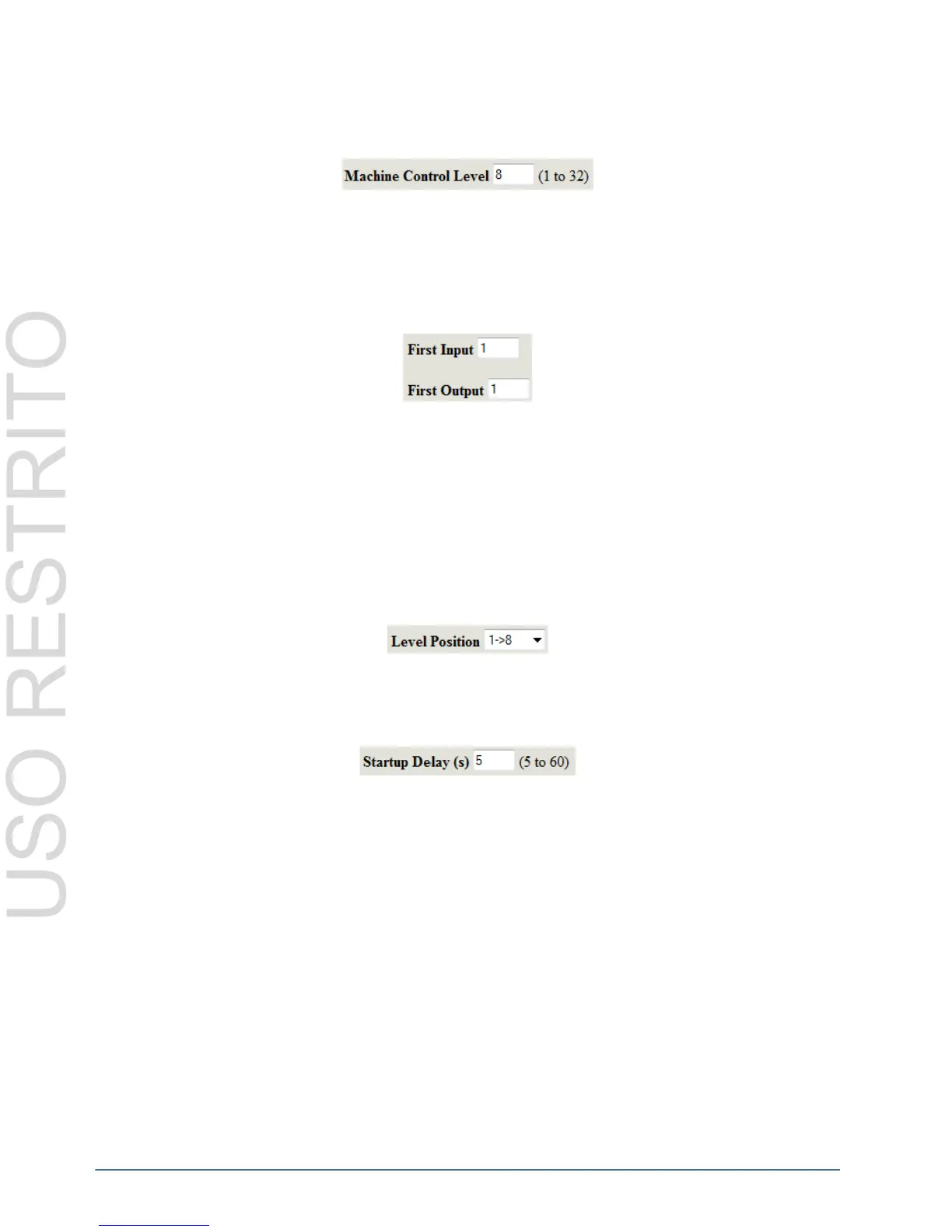
Machine Control Level
The Machine Control Level configures the level that the machine control (if connected) switches reciprocally when
switches are performed. The valid range for this field is 1-8 (representing levels).
If an invalid level (above 8) is entered for the Machine Control Level then the level will default to 8 when the
settings are updated to the SCP, regardless of whether the Machine Control Enabled option has been set or not.
First Input/Output
These options allow the Geneos input and output range to be located anywhere within the 16 bit NK Series
input/output range. The NK input and output will be offset to start at these values.
Level Position
The level position option allows the user to place the eight Geneos levels within four defined ranges in the 32-level
NK Series system. Users can select between:
•1 -> 8
•9 -> 16
• 17 -> 24
• 25 ->32
The NK level will be offset to use this range.
Startup Delay
The startup delay allows the user to configure a time (in seconds) for the NK-SCP/K2 to wait until the Geneos
system is ready before requesting all status.
Manual Filter
By default, the NK-SCP/K2 will automatically detect NK-Series routers connected to the T-Bus on startup. With
larger routers systems, it is better to manually specify which router output ranges are present.
To use the manual filter:
1. Select the Manual Filter Enabled check box
2. For each router Level, specify:
• The First Output
• The number of outputs (Num. Outputs)
3. Select the Enable check box for each router level in the system.



 To Next Page