User Manual - 7/32
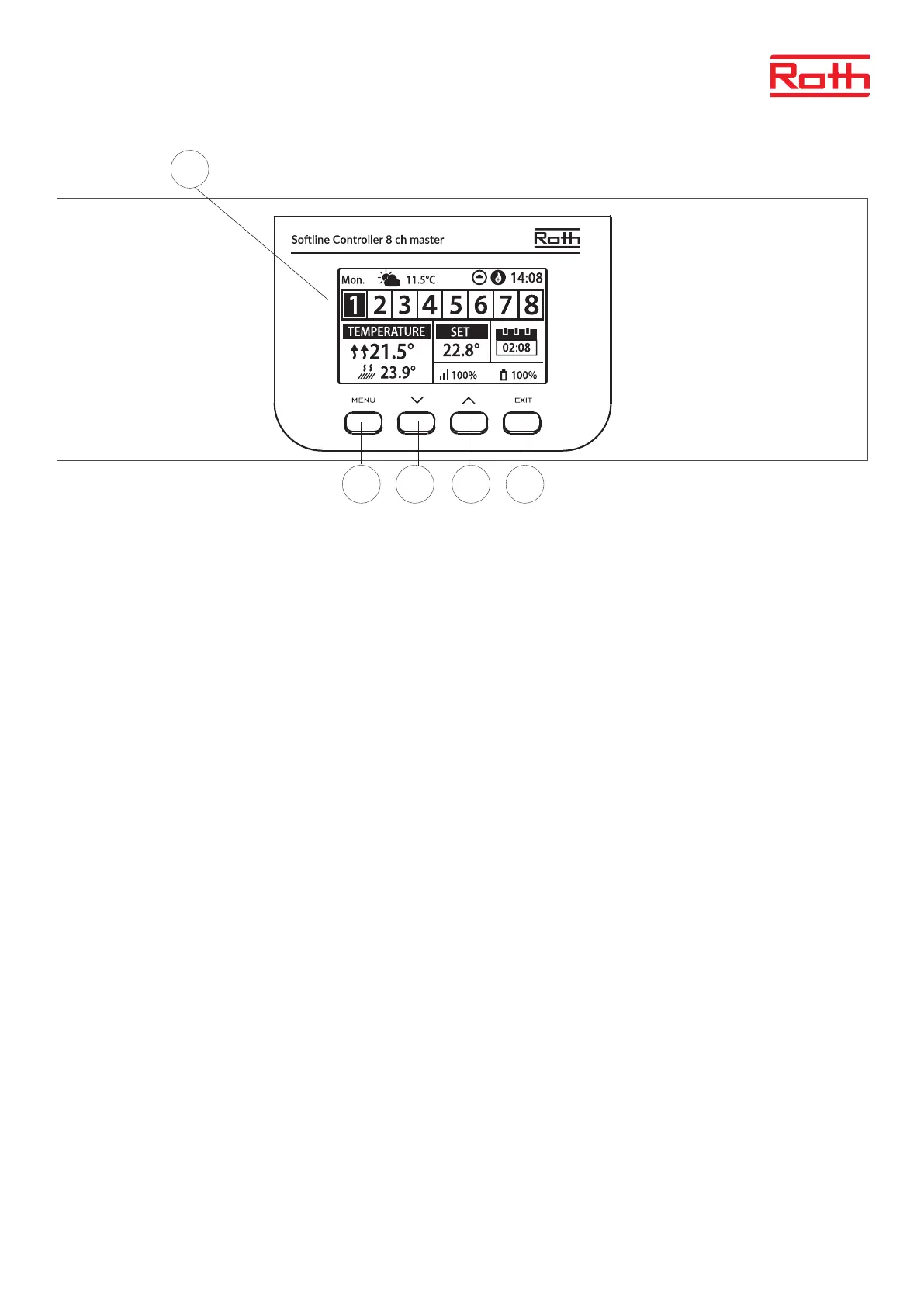
1. Display.
2. ▼ - “down” “minus” - it is used to view the menu options and decrease the value while editing parameters. During standard operation the
button is used to switch between dierent zones parameters.
3. ▲ - “up” “plus” - it is used to view the menu options and increase the value while editing parameters. During standard operation the button is
used to switch between dierent zones parameters.
4. MENU button – it is used to enter the controller menu and to conrm the new setting.
5. EXIT button – it is used to exit the menu and to cancel the setting.
1
4 2 3 5



 To Next Page