9
PRINTER
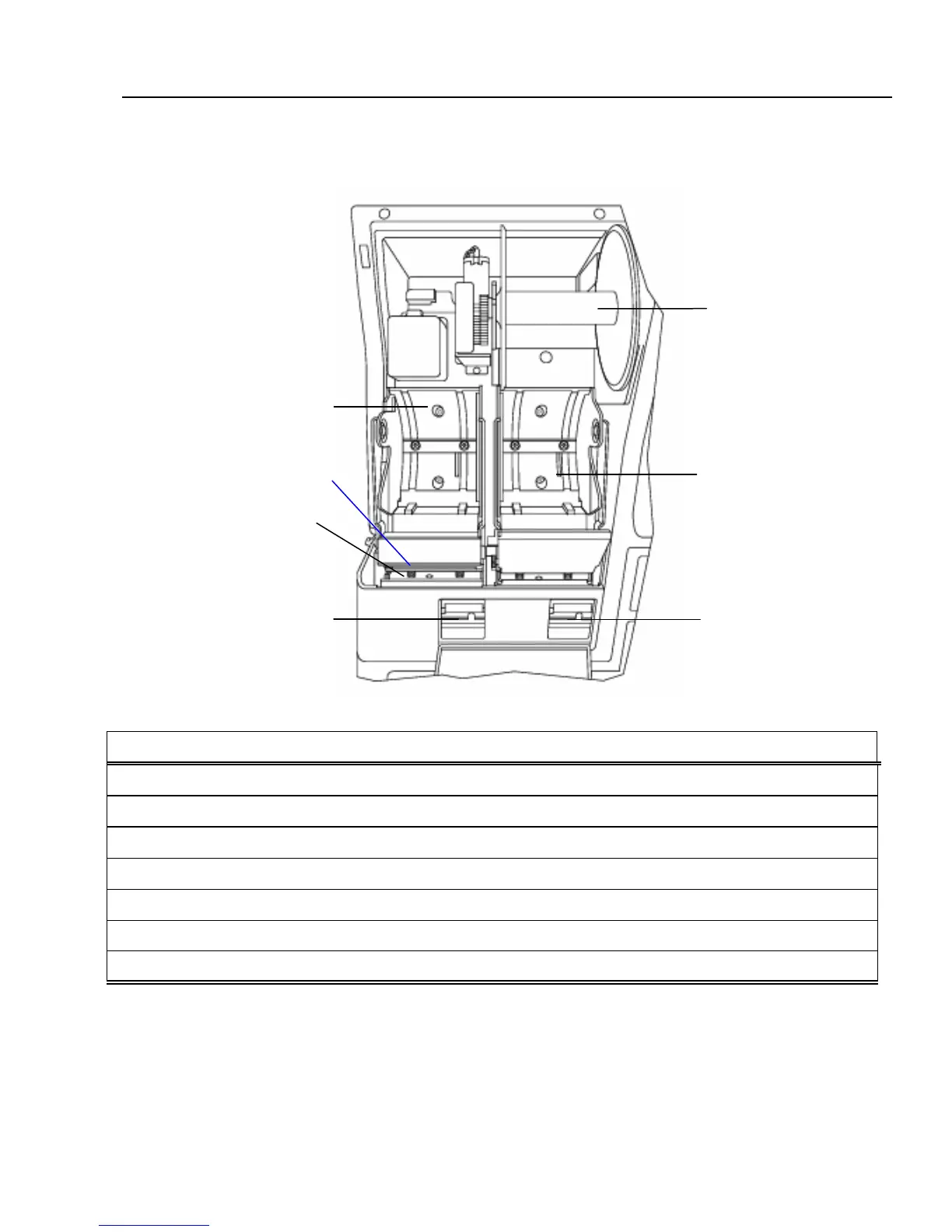
The figure below shows the printer with the cover removed.
DESCRIPTION OF PART FUNCTION
1. Journal location The paper roll for record keeping (the journal) is located here.
2. Receipt location The paper roll for receipts is located here.
3. Print-head unit Prints the characters on the receipt and journal.
4. Take-Up Reel Used to take up the paper used for record keeping (the journal).
5. Paper Exit The paper exits here.
6. Platen Release Button (Receipt) Release the platen for receipt.
7. Platen Release Button (Journal) Release the platen for journal.
2
7
6
4
1
3
5



 To Next Page