90
X/Z MANAGEMENT REPORTS (Continued)
TO TAKE A CASH-IN-DRAWER/CHECK-IN-DRAWER REPORT
"X" + [CHECK/STUBS]
1. Turn the key to the "X" position.
2. If a Manager Password has been programmed, ENTER the (PASSWORD #), then PRESS the [CLERK]
key now, or if you did NOT program a Manager Password, go to Step 3.
3. PRESS the [CHECK/STUBS] key.
TO TAKE AN HOURLY REPORT
"X" or "Z" + [PLU/DEPT ALT] + [QTY/TIME]
1. Turn the key to the "X" or "Z" positions as desired.
2. If a Manager Password has been programmed, ENTER the (PASSWORD #), then PRESS the [CLERK]
key, or if you did NOT program an "X" or a Manager Password, go to Step 3.
3. PRESS [PLU/DEPT ALT], then PRESS the [QTY/TIME] key.
Important: An hourly reading must be closed out (reset) in the "Z" position.
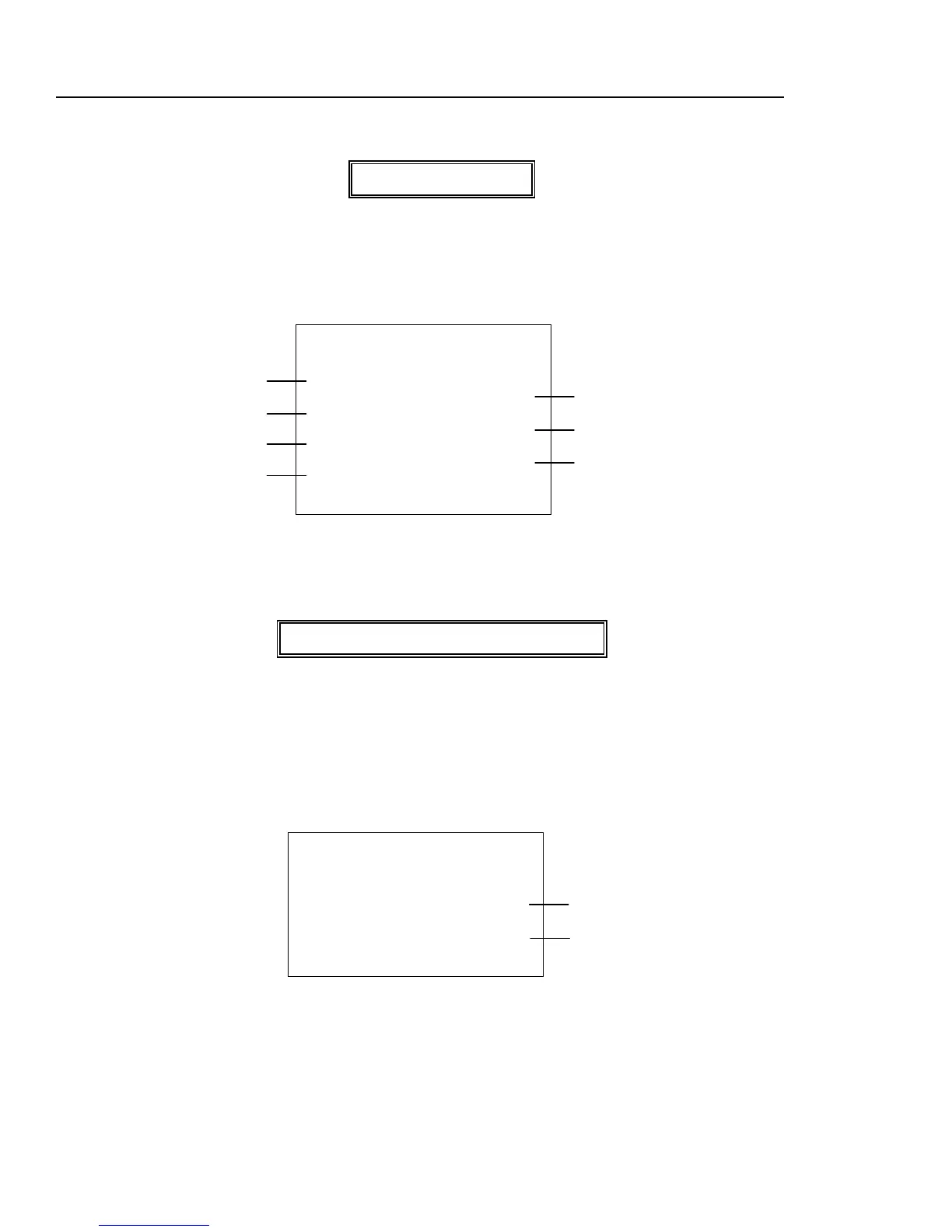
* X 1 *
IN DRAWER REPORT
CAID 58N
119.53
CKID 1N
1.06
10-24-2002 PM 04:52
0054
CLERK01
SHOWS $119.53 CASH-IN-DRAW TOTAL
SHOWS $1.06 CASH-IN-DRAW TOTAL
TRANSACTION NUMBER
INDICATES CASH-IN-DRAWER
CHECK-IN-DRAWER TOTAL
REPORT WAS TAKEN
CLERK NUMBER
* X 1 *
HOURLY REPORT
15:00 14N
55.62
16:00 44N
36.93
SALES TOTAL (including tax) at 15:00 pm
SALES TOTAL (including tax) at 16:00 pm



 To Next Page