12
REMOVING THE PAPER ROLLS
TO REMOVE THE PAPER ROLL FOR THE RECEIPT
1. Open the printer cover.
2. Push the platen release button (left).
3. Remove the roll.
TO REMOVE THE PAPER ROLL FOR THE JOURNAL
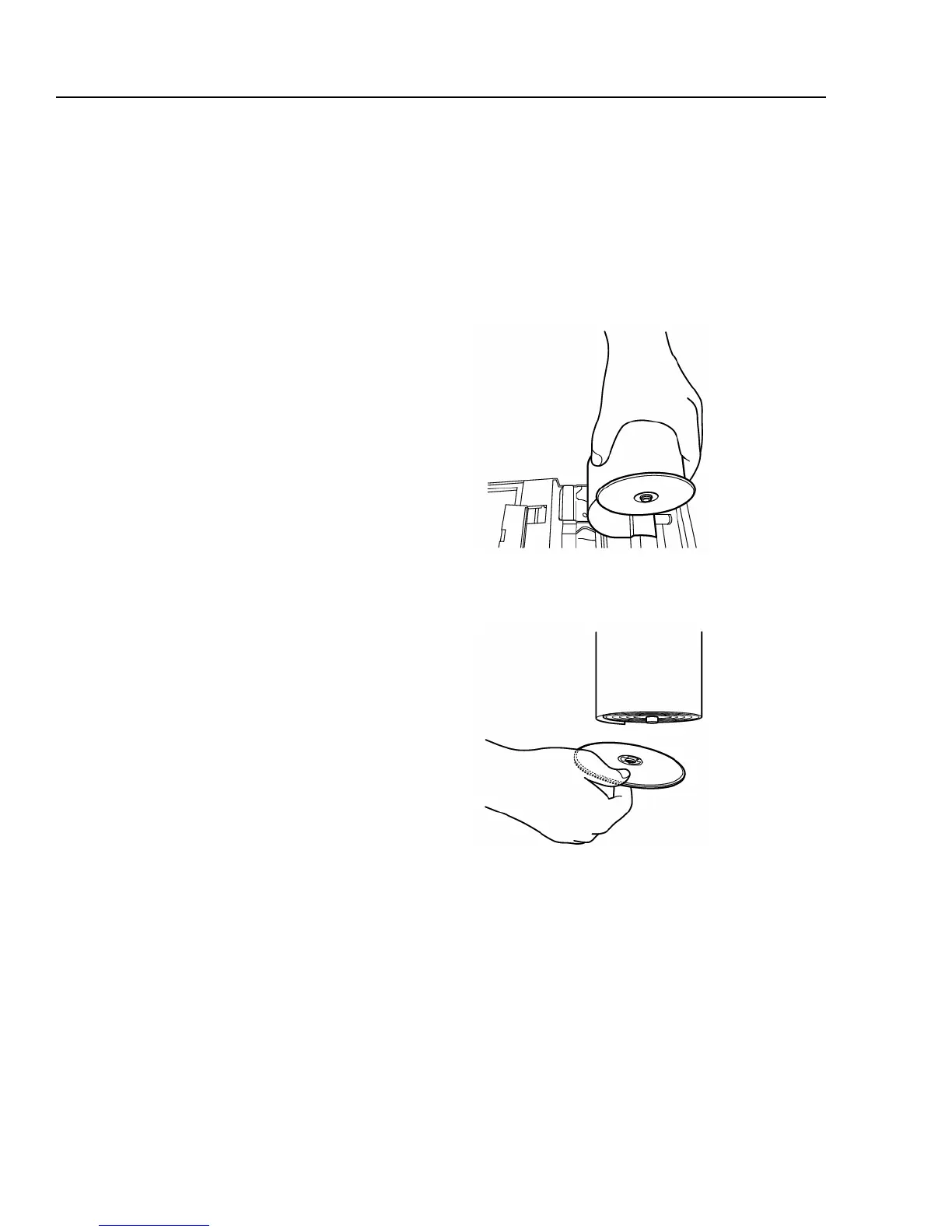
Fig.6
Fig.7
1. Open the printer cover.
2. Push the platen release button (right).
3. Cut the paper after the end of the printing.
4. Remove the take-up spool from the support
(See Fig. 6).
5. Remove the paper record for the take-up reel
(See Fig. 7)
6. Install the remaining paper for the journal.
7. Close the printer cover.



 To Next Page