17
(Continued) AFTER QUICK START
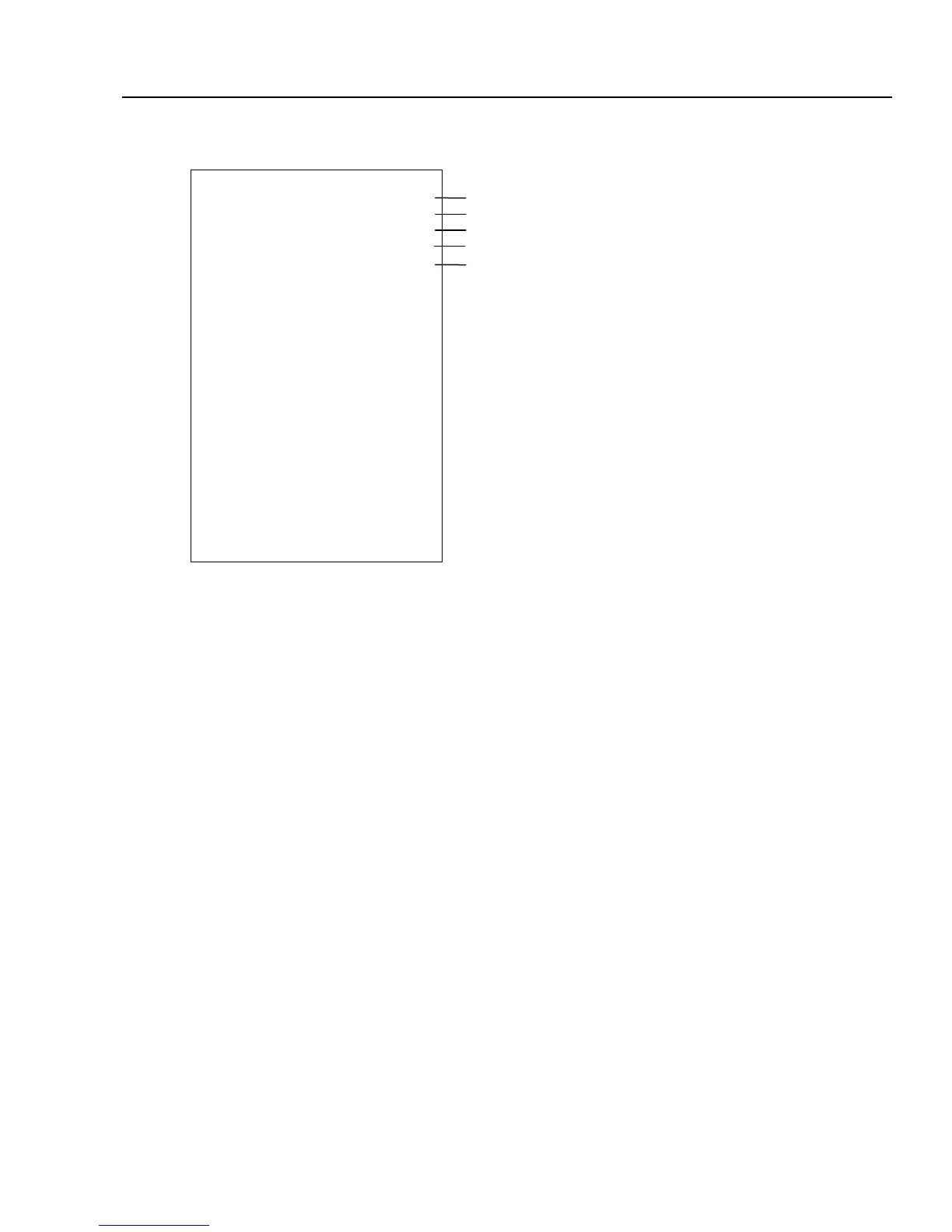
The DEPARTMENT PRESET REPORT prints department descriptions, price and tax status. To print a
Department Report, PRESS [PLU/DEPT ALT] followed by any [DEPARTMENT] key.
Time Display: PRESS the [QTY/TIME] key in the register mode to show the time. The time display does not need
to be canceled because it is automatically replaced by a figure when the next transaction is performed. The
[QTY/TIME] key is a double function key where, during a transaction, it is used to perform multiplication when a
quantity of more than one is registered.
DEPT PRESET
01 DEPT01
PRICE 1.00
FLAG 0000000001
02 DEPT02
PRICE 2.00
FLAG 0000000000
03 DEPT03
PRICE 0.00
FLAG 0000000000
04 DEPT04
PRICE 0.00
FLAG 0000000000
05 DEPT05
PRICE 0.00
FLAG 0000000000
06 DEPT06
PRICE 0.00
FLAG 0000000000
07 DEPT07
PRICE 0.00
FLAG 0000000000
DEPARTMENT NO. / DESCRIPTIONS.
PRE-SET PRICE
DEPARTMENT STATUS (SET FOR TAX RATE 1)
DEPARTMENT NO. / DESCRIPTIONS
PRE-SET PRICE
DEPARTMENT STATUS (NON TAXABLE)



 To Next Page