RDV6442G Control System manual V1.3
SHENZHEN RUIDA TECHNOLOGY
:
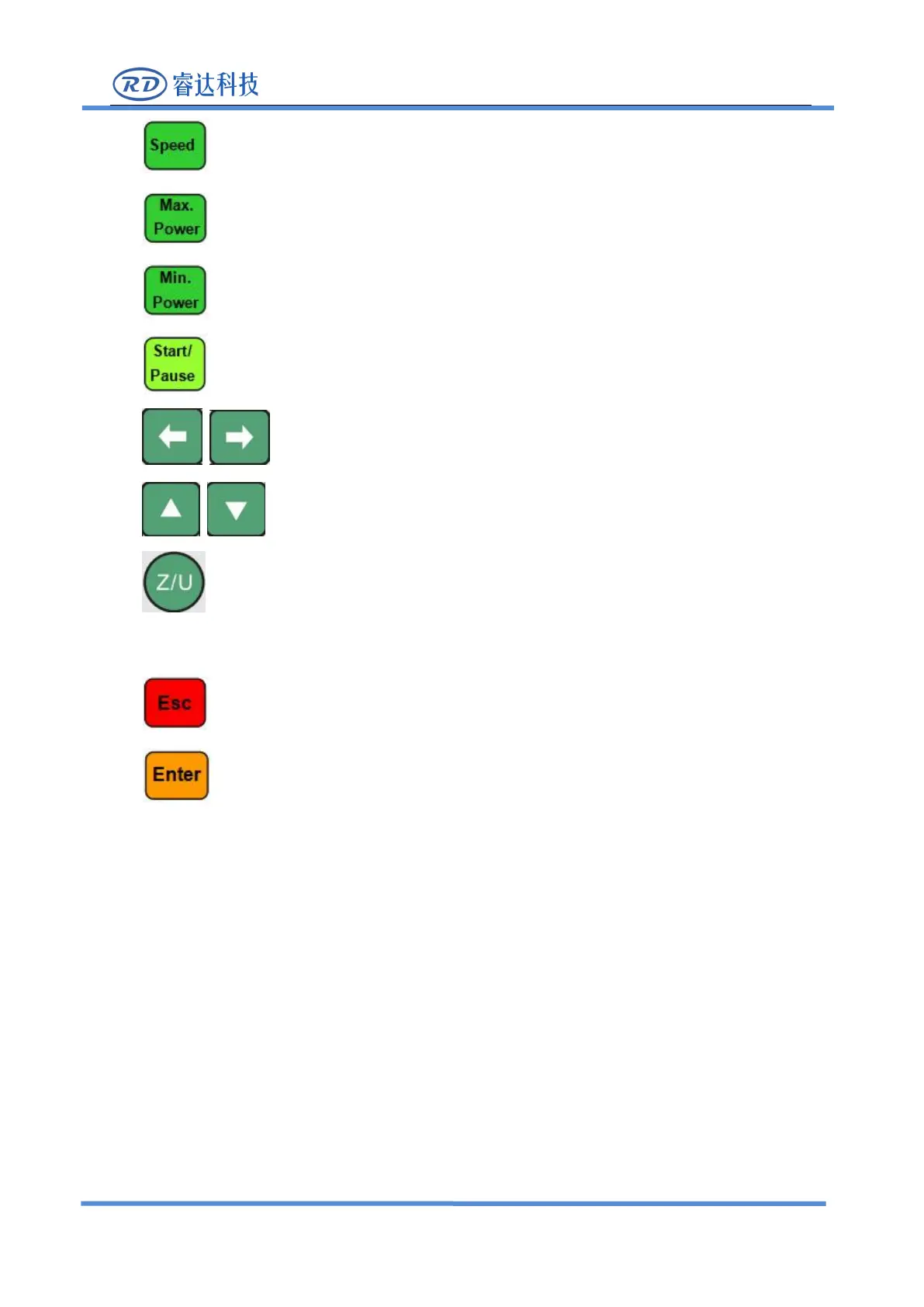
Set the speed of the current running layer, or set the direction keys
’
move speed;
:
Set the max laser power of the current running layer, or set the power of
“
Laser
”
Key;
:Set the min laser power of the current running layer;
:To start or pause the work;
:
To move the X axes or the left/right cursor;
:To move the Y axes or the up/down cursor;
:The Z/U key can be pressed when the system is idle or the work is finished. On pressing
this key, it will show some entries in the interface, each entry includes some functions, Z axes move, U
axes move, each axes to go home etc.;
:To stop work, or to exit to some menu;
:Validate the change;
8.2 Introduction to the Main Interface
8.2.1 The main interface
When the system is powered on, the screen will show as below:



 To Next Page