RDV6442G Control System manual V1.3
SHENZHEN RUIDA TECHNOLOGY
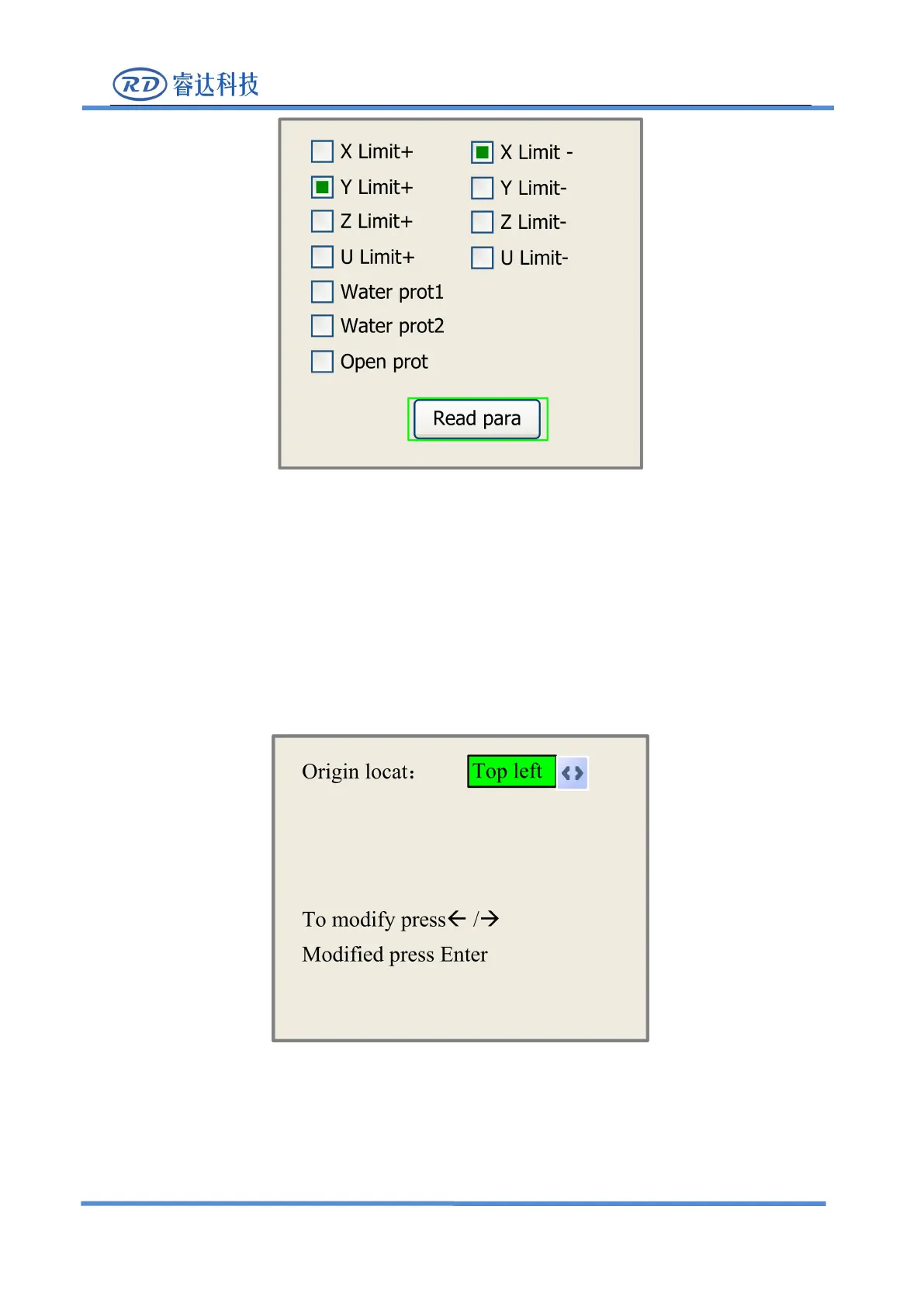
This interface shows some system input information, such as limiter status, the status of the water
protecting, and the status of the foot switch etc.. When the input is validated, the color frame will be
green, otherwise it’s gray.
8.3.13 Screen Origin
If the
“
Screen Origin
”
item is pressed, the system will show as below:
There are four entries to be selected: Top Left, Top Right, Bottom Left and Bottom Right. When one is
selected, the previewed graph on the screen would be enantiomorphous based on X or Y direction.



 To Next Page