RDV6442G Control System manual V1.3
SHENZHEN RUIDA TECHNOLOGY
Push the “X+/-“ Keys to move the cursor in the numeral area, and push the “Y+/-” keys to change
the value, then push the
“
Enter
”
key to save the change, push the
“
Esc
”
key to invalidate the change.
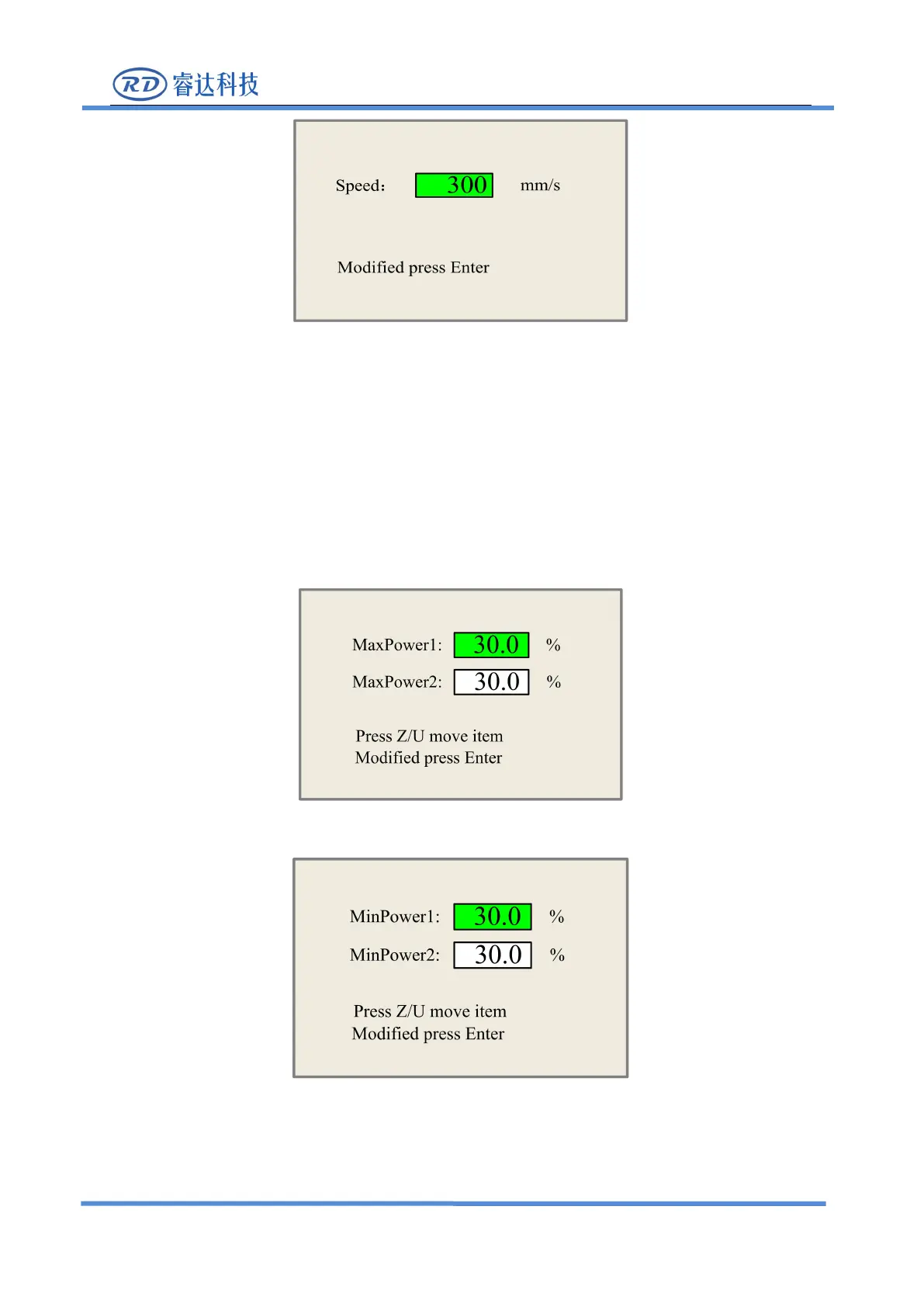
8.2.3 Max/Min power keys
Push the “Max Power” or the “Min Power” keys when the screen is on the main interface, it will
When
“
Z/U
”
key is pushed, the green block can move up and down to denote the changing item,
then “Y+/-” keys and “X+/-” keys can be used to change the value.



 To Next Page