RDV6442G Control System manual V1.3
SHENZHEN RUIDA TECHNOLOGY
●Clear count: To clear the running times of the selected file;
●Delete: To delete the selected file in the memory;
●
Copy to Udisk: To copy the selected file to Udisk;
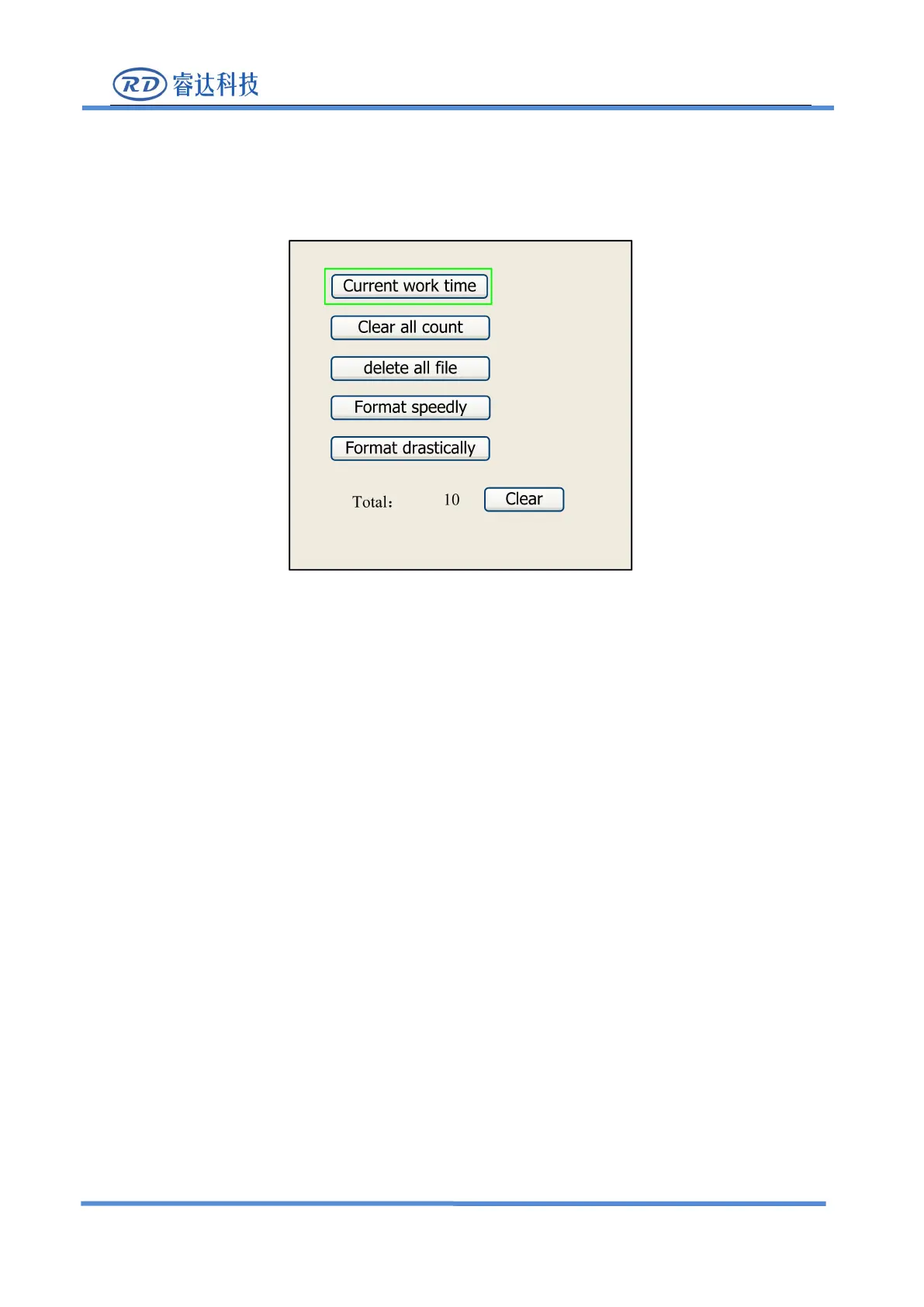
If the “Other” entry is pressed, the system will show as below:
●
Current work time: To forecast the running time of the current file(the current file No. is showed
on the main interface), and the time is accurate to 1ms.
●Clear all count: To clear the running times of every file in the memory
●
Delete all file: To delete all memory files
●Format speedily: To format memory speedily, and then all the files in memory will be deleted.
●Format drastically: To format memory drastically, and then all the files in memory will be
●Total: the total running times of all the files.
8.4.2 U Disk File
If the
“
Udisk
”
entry in figure 8.4-1 is pressed, the system will show as figure 8.4-3, and the
operation method is all the same as figure 8.4-1.



 To Next Page