RDV6442G Control System manual V1.3
SHENZHEN RUIDA TECHNOLOGY
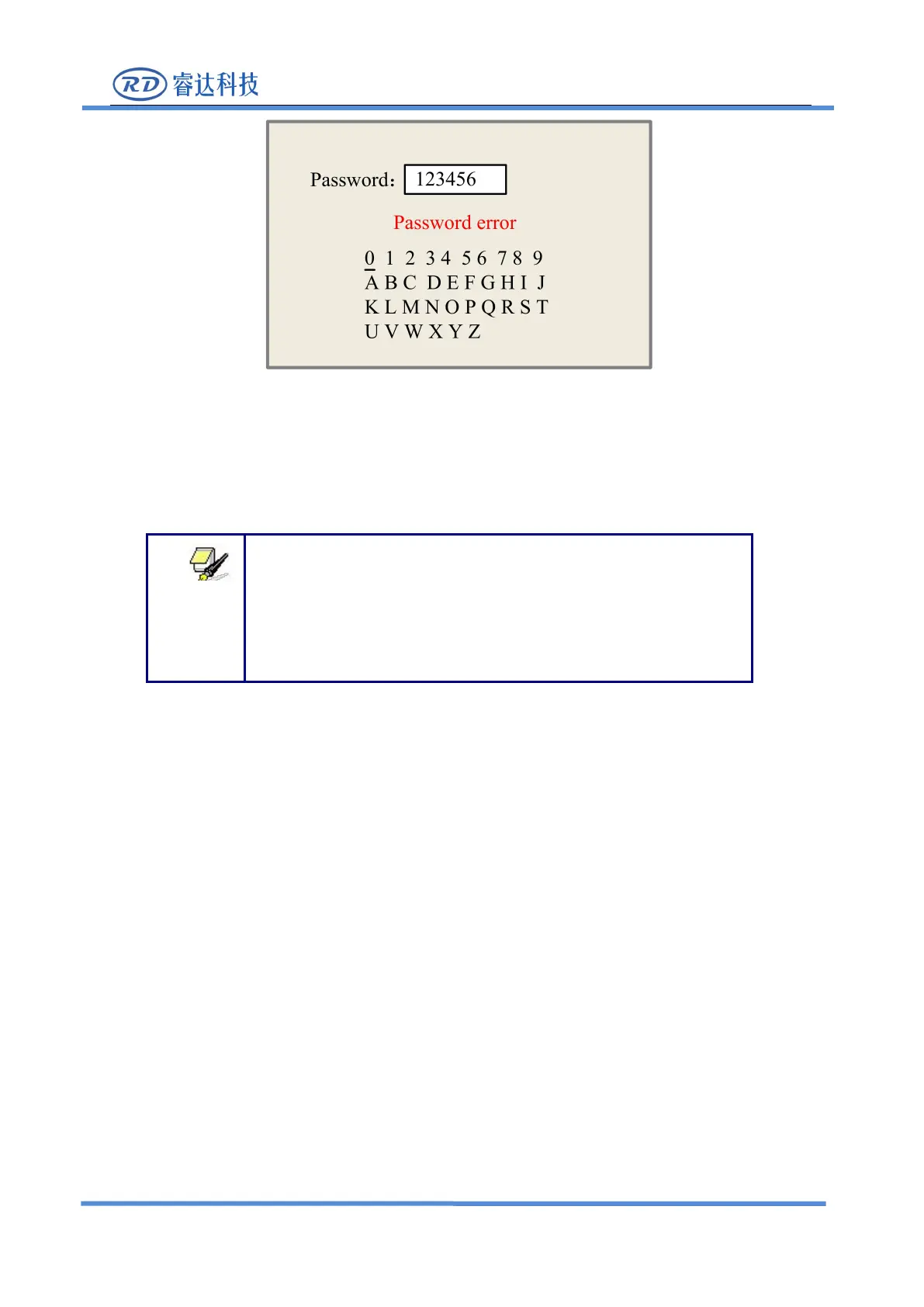
Push “X+/-” keys and “Y+/-” keys to select the characters, and push the “Enter” key to valid
the characters, when finishing enter the password ,that is to say, the six characters, if the password is
error, it prompts there is some error, or, all parameters are stored.
After the manufacturer regulates all parameters of the machine well
(including all manufacturer parameters and user parameters), this
function can be used to store the well-regulated parameters to help
users to recover the original parameters (including all manufacturer
parameters and user parameters) through selecting “Recover Para”
when they regulate parameters improperly.
8.3.8 Def Fact Para
After the “Def Fact Para” is selected and the Enter key pressed, the “Successful Recovery” dialog
box will pop up to prompt that all manufacturer parameters and user parameters are recovered
successfully. You can return to the previous menu by press the Enter key.
8.3.9 Auto Focus
When the cursor stops at “Auto Focus”, press the Enter key to search for the focus(When there is z
axes, and the z axes reset function is enabled, the auto focusing is valid); press the Esc key to return the
8.3.10 Language
The item
“
Language
”
helps you to select a appropriate langue which is displayed on the pane:



 To Next Page