I!::::::=D=o=~
Chapter 1 Operation Procedures
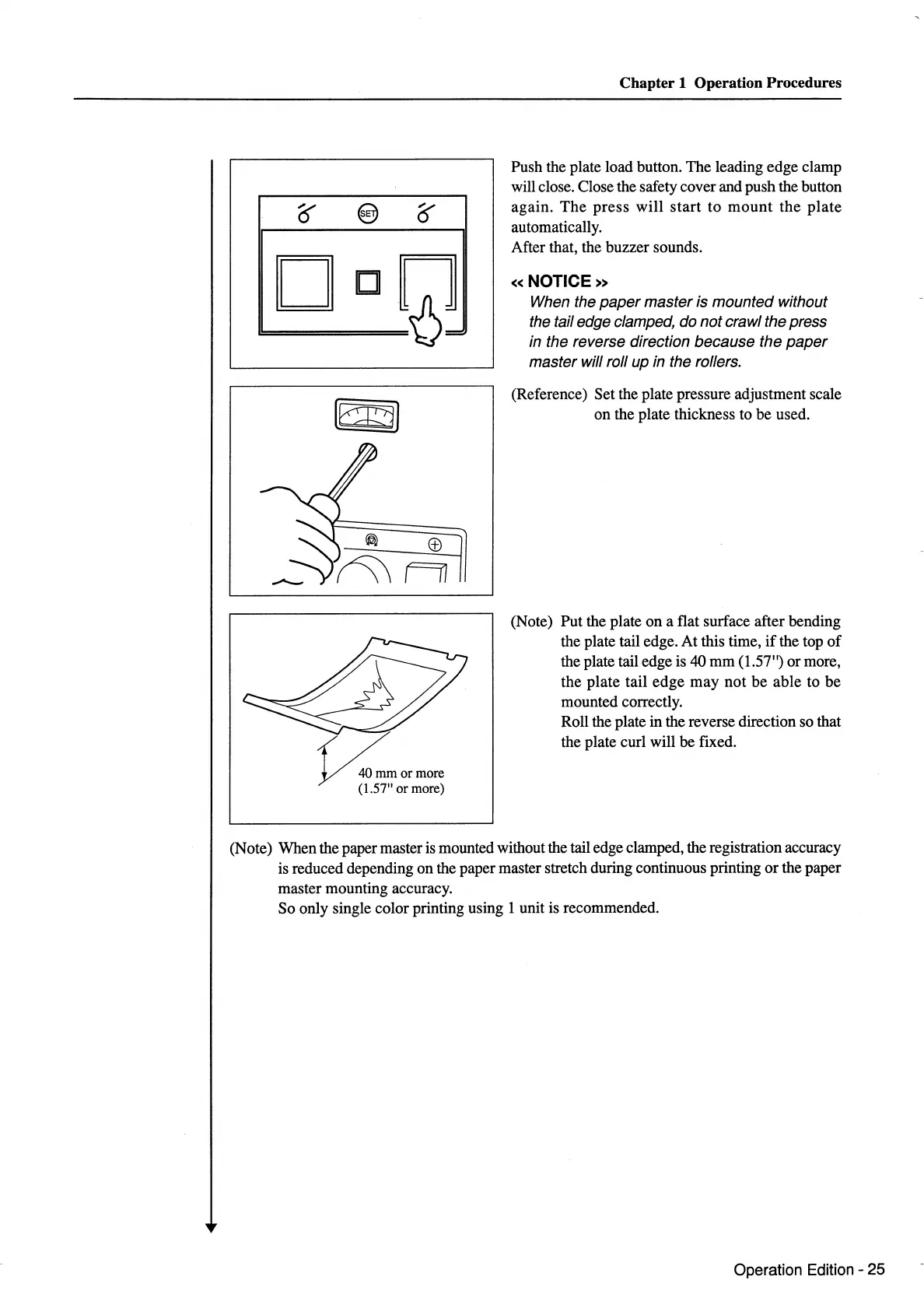
Push the plate load button. The leading edge clamp
will close. Close the safety cover and push the button
again.
The
press
will
start
to
mount
the
plate
automatically.
After that, the buzzer sounds.
«NOTICE»
When the
paper
master is mounted without
the tail edge clamped, do not crawl the press
in the reverse direction because the
paper
master will roll up in the rollers.
(Reference) Set the plate pressure adjustment scale
on the plate thickness to be used.
(Note) Put the plate
on
a flat surface after bending
the plate tail edge. At this time,
if
the top
of
the plate tail edge is 40
mm
(1.57") or more,
the
plate
tail
edge
may
not
be
able to
be
mounted correctly.
Roll the plate in the reverse direction so that
the plate curl will be fixed.
(Note) When the paper master is mounted without the tail edge clamped, the registration accuracy
is reduced depending on the paper master stretch during continuous printing
or
the paper
master mounting accuracy.
So only single color printing using 1 unit is recommended.
Operation Edition - 25



 To Next Page