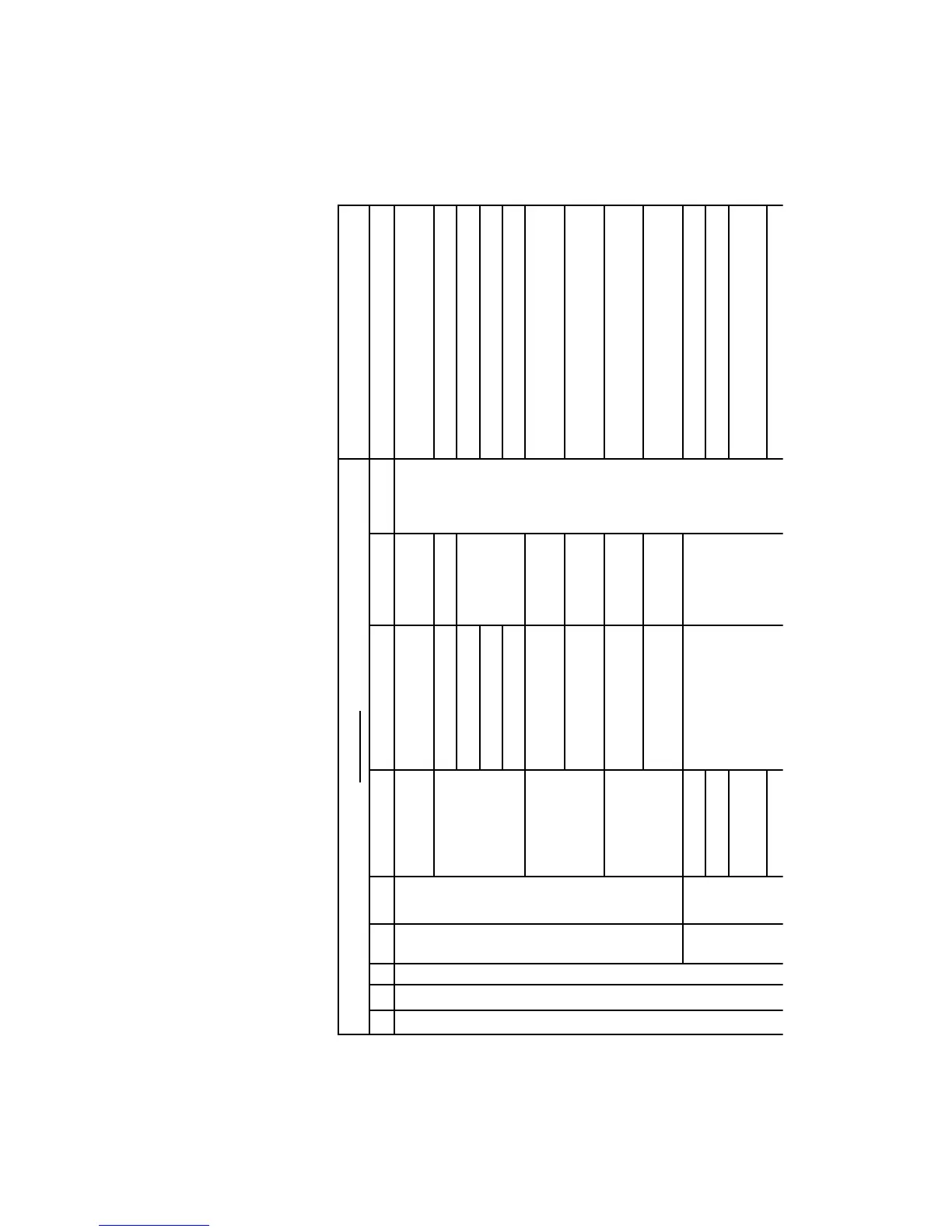
Menu level
Comment
1 2 3 4 5 6
Counters
D1.1.counters
Water counters
D1.1.1. total counters
Water s. prod. Amount of water since fi rst use
Descaling cycles
since last DS. +/- Water since the last descaling
since sec. last DS. Water 2. last descaling
since third. last DS. Water 3. last descaling
n° of DS. Cycles Number of descaling cycles carried out
Water fi lter
water since last fi lter
reset
+/- Water since fi lter reset
water fi lters since prod.
Number of fi lters changed = number of
fi lter initialisations
Cleaning cycles
n° of cleaning cycles Cleaning cycles carried out Brewing unit
water since last
cleaning
+/- Water since the last cleaning cycle
error counters
D1.1.2A. error counters
current error
error since prod. Errors since production
error since last
service
Error since last service
error log Error list (see list)
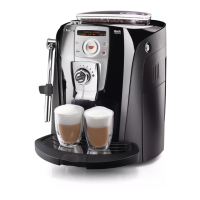
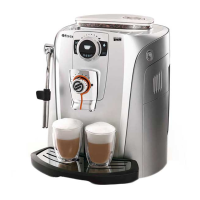
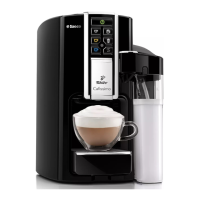
5.3.2 Diagnosis menu - Talea Touch
Getting started:
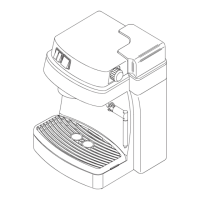
• Turn on the appliance and within the fi rst 3 seconds after the hourglass appears, touch the display in the corner with your fi nger in the following sequence
(top left, top right, bottom left, bottom right = Z)









 To Next Page