10
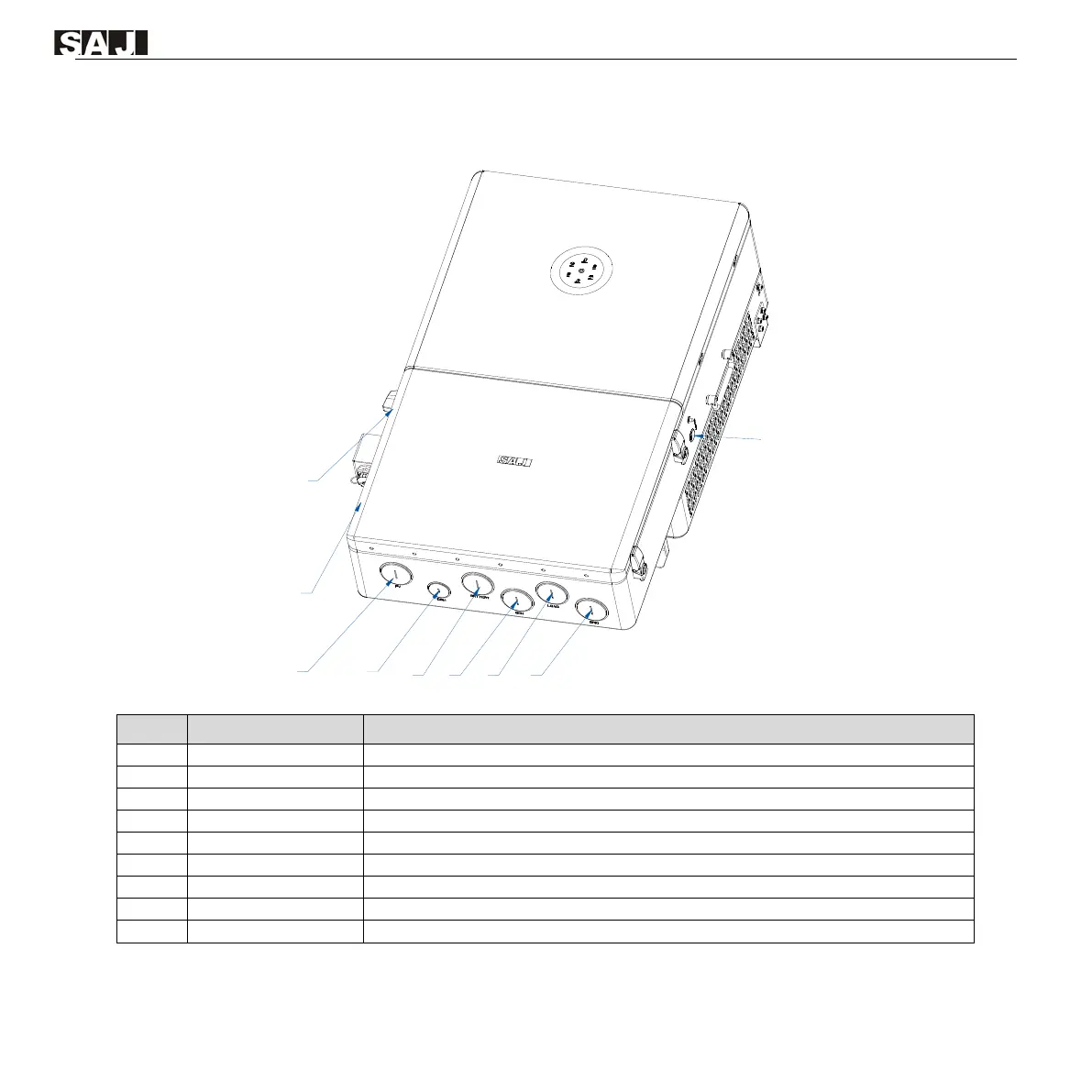
2.4. Knockout holes, switch, and button
Figure 2.2. Knockout holes, switch, and button
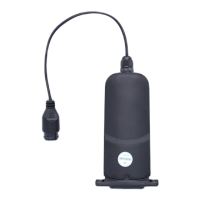
For connecting the communication module
For connecting the PV cables
For connecting the communication cables
For connecting the battery cables
For connecting the generator cables
For connecting the load cables
For connecting the grid cable
Start button. Press this button to start or shut down the inverter.
Table 2.1. Description of the knockout holes, switch, and button



 To Next Page