18
Select your thermostat and press
„Connect equipment” button.
Name your thermostat and go
„Next”...
Press gear icon.
10 11 12
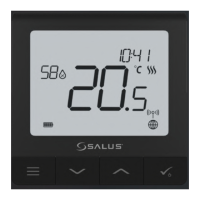
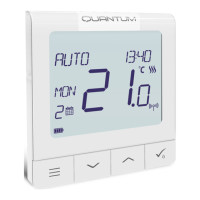
After that thermostat will display
main screen.
Congratulations! You succesfully
congured SQ610RF Quantum
Thermostat with Smart Plug SPE600.
1817
16
Choose „No” if you want to set
your own schedule later or „Yes” if
default now.
Pin thermostat to the main app
screen and complete set up.
13
Now choose Smart Plug.
Select your Smart Plug from the list.
14
15
3
Gateway stop ashing and it turn to steady
blue color which means pair process has
been nished.



 To Next Page