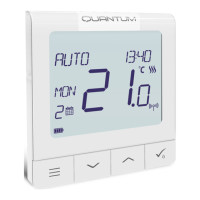
21
5.6 Pairing with RX10RF receiver
1
SALUS
SmartHome
Go to SALUS Smart Home app
3
Choose language by„ ” or „ ”
buttons. Conrm by
button.
Now thermostat is looking for the
signal from the coordinator...
5 64
Open main menu. Select „Settings”. Now enter to the „Setup Equipment”.
Press „Scan for equipment” button.
7 8
App has started scanning...
9
2
For easier installation, please make sure you have already added RX10RF receiver to your ZigBee network (please refer to the RX10RF receiver manual
instruction).
Please note:
Thermostat is connected. Go to the
Smart Home app to congure it.
...Gateway has started ashing red and
searching for the thermostat...



 To Next Page
 Loading...