ER-5215M Electronic Cash Register v2.23 P-Mode Programming • 157
Program 720 – DataTran Message Program
When a DataTran integrated payment appliance is connected, you can print a message of up to four
lines on the electronic payment draft receipt.
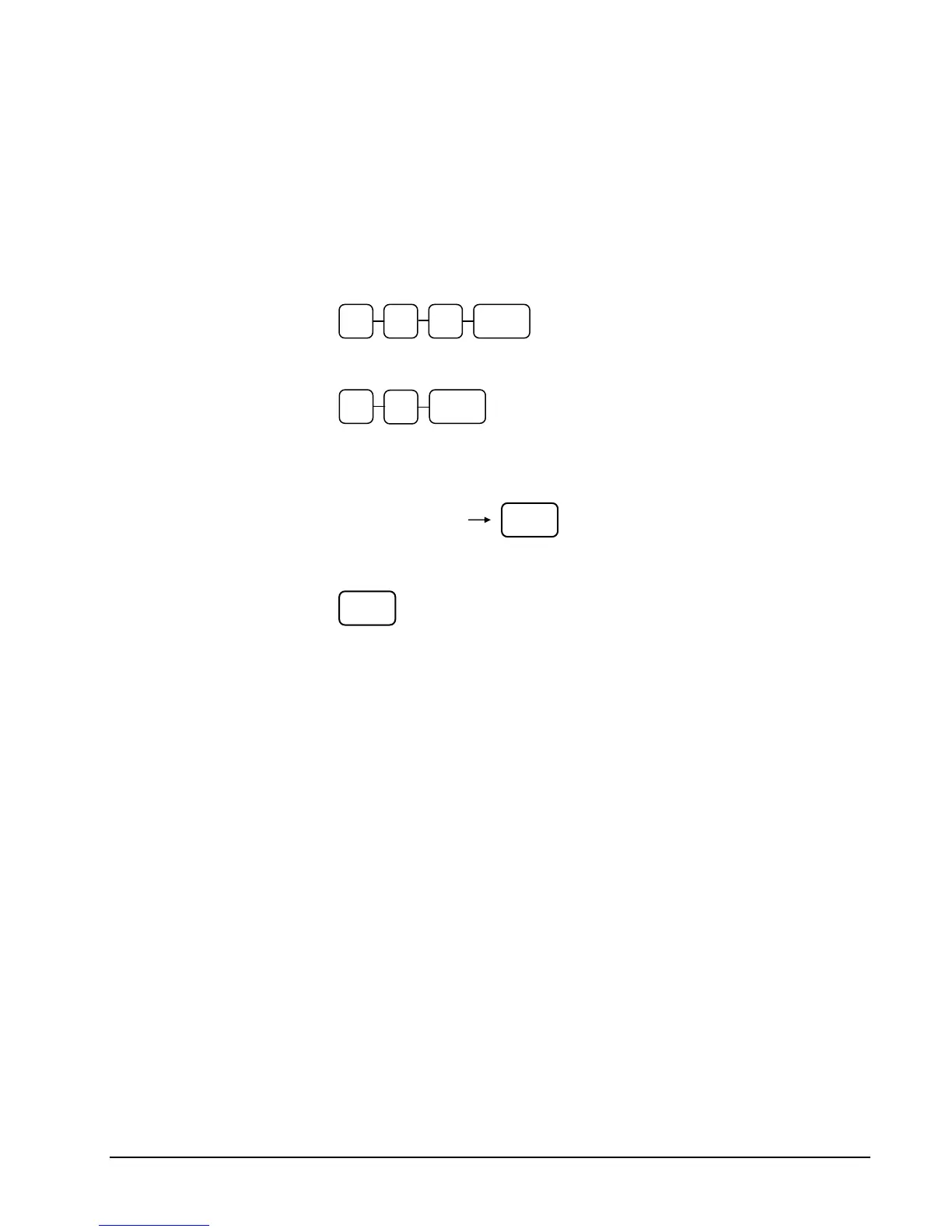
1. Turn the control lock to the P position.
2. To begin the program, enter 7 2 0, press the SBTL key.
3. Enter the number of the message line (1-4) you wish to program; press the X/TIME
key.
4. Enter up to 32 three-character codes and press the X/TIME key. (See “Descriptor
Code Chart” on page 104.)
5. Press the CASH key to finalize the program.
7 2 0 SBTL
X/TIME
SBTL
Enter up to 32 three-
character codes
CASH



 To Next Page