84 • S-Mode Programming ER-5215M Electronic Cash Register v2.23
ER-5215M Keyboard Expansion
The default ER-5215M can be expanded from 5 to 15 NLU keys. This program sequence must be
performed to activate the expanded keyboard.
Caution: After memory is cleared, the default program will set the ER-5215M register in the 5-
key configuration. If you are using 15 NLU keys, you must use this program to reset the 15-key
configuration.
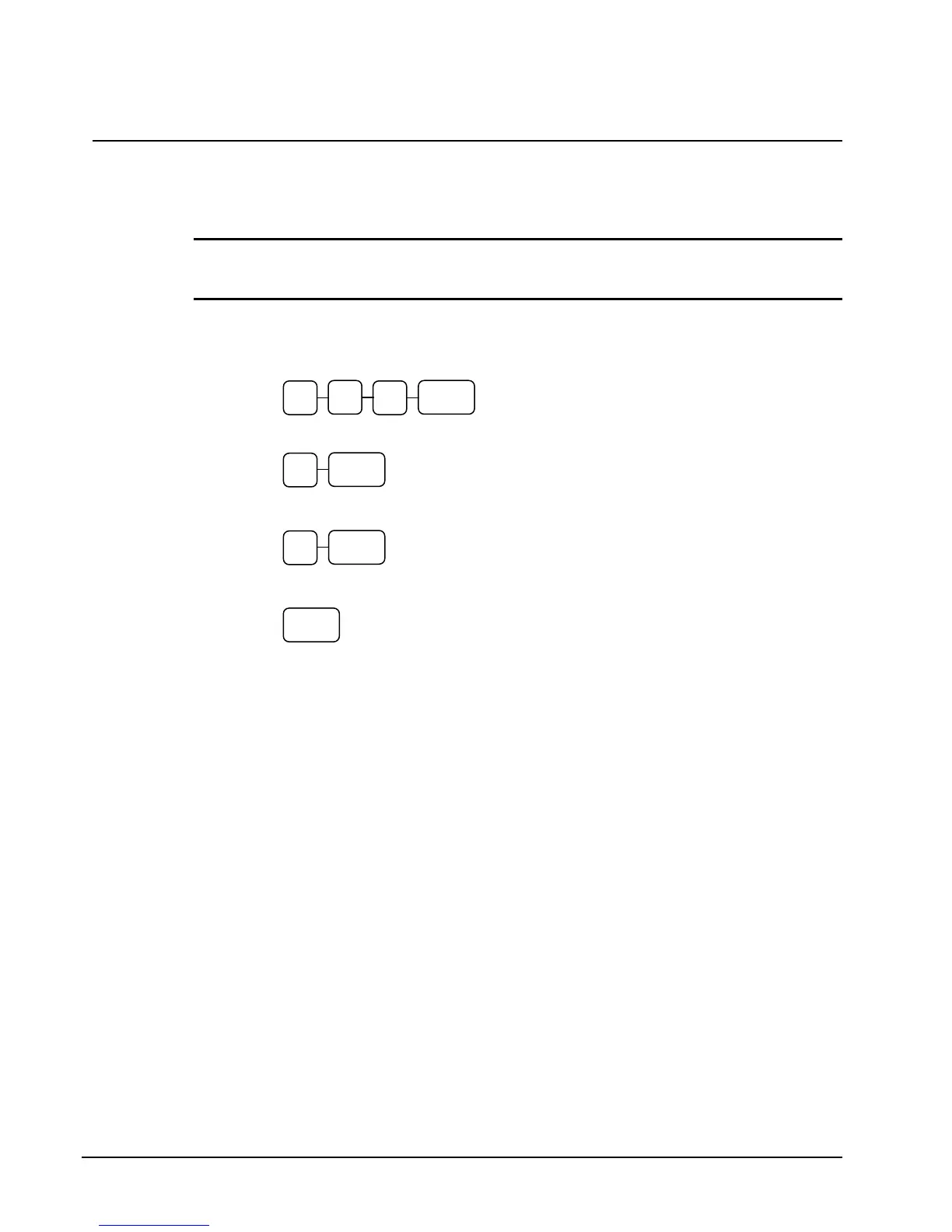
1. Turn the control lock to the S position.
2. Enter 9 0 0 and press the SBTL key.
3. For 5 NLU keys, enter 0 and press the CASH key.
For 15 NLU keys, enter 1 and press the CASH key.
4. Press the CASH key to finalize.
0
SBTL 0
9
0
CASH
1
CASH
CASH



 To Next Page