58 • Operations ER-5215M Electronic Cash Register v2.23
Paying a Hard Check
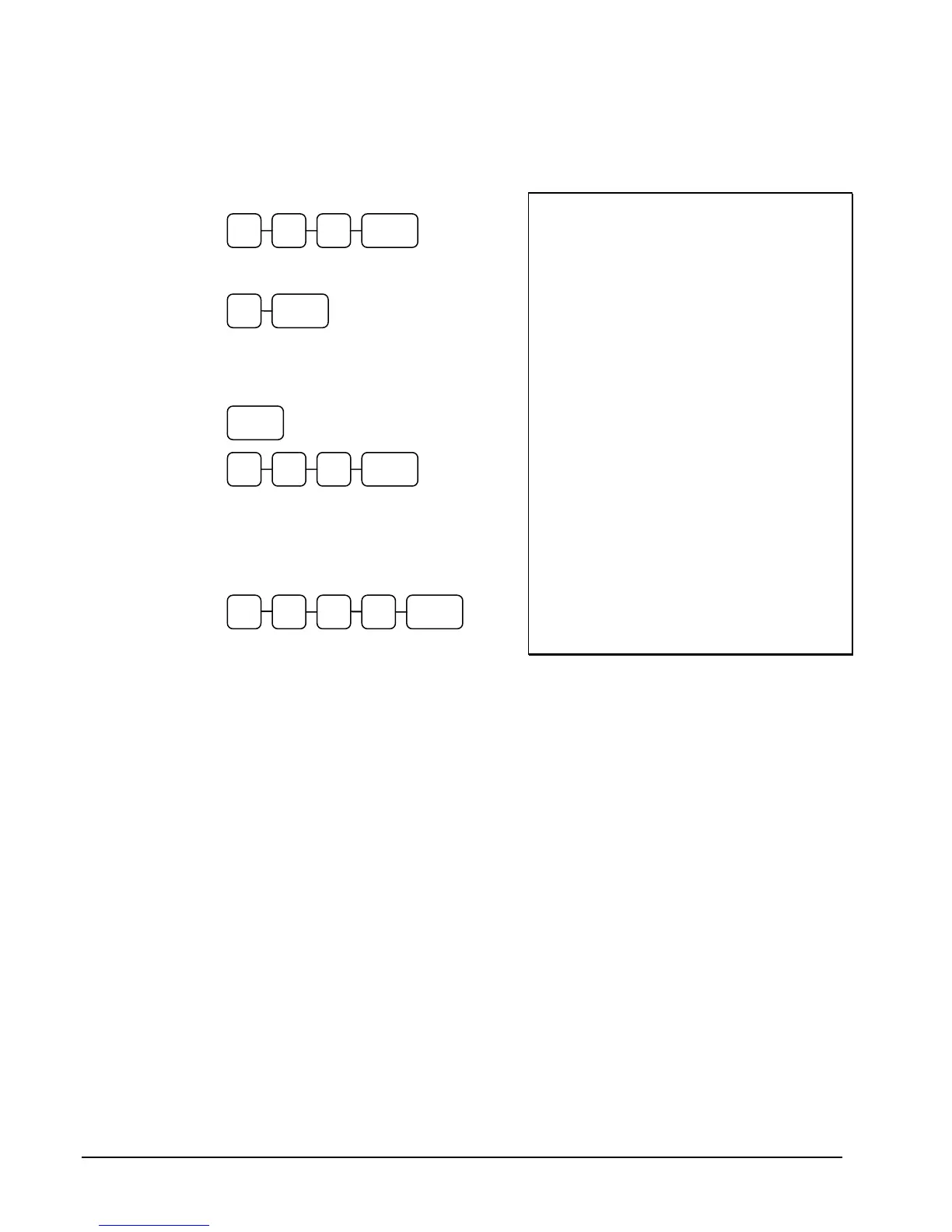
1. Enter the number of the guest check, press
the CHECK # key:
or, if you entered a table number, enter the
table number and press the TABLE key:
2. If necessary, add additional items. If you
wish to add a tip, press SBTL, then enter the
tip amount and press the TIP key:
3. Pay the balance, as you would normally
tender a transaction, with CASH, CHECK,
or one of the CHARGE functions. If the
tender is greater than the balance due, change
is displayed.
Sample of Hard Check postings printed on an
optional printer:
DATE 12/01/1999 WED
CHECK # #123
PBAL $0.00
LIQUOR T1 $7.00
STEAK T2 $10.00
TAX1 $0.46
TAX2 $0.73
SERVICE $18.19
BFWD 18.19
No.000017 REG 01 ETHAN TIME 09:15
PBAL $18.19
GARLIC BREAD T2 $2.00
TAX1 $0.46
TAX2 $0.87
SERVICE $2.15
BFWD 20.33
No.000019 REG 01 ETHAN TIME 09:47
PBAL $20.33
TIP $3.00
TAX1 $0.46
TAX2 $0.87
CHECKS PAID $23.33
CASH $25.00
CHANGE $1.67
No.000021 REG 01 ETHAN TIME 10:16
CHECK#3 1 2
TABLE 3
SBTL
TIP 0 3 0
5 0 0 CASH 2



 To Next Page