Installing the Software
Connecting the Drive to Your
Computer
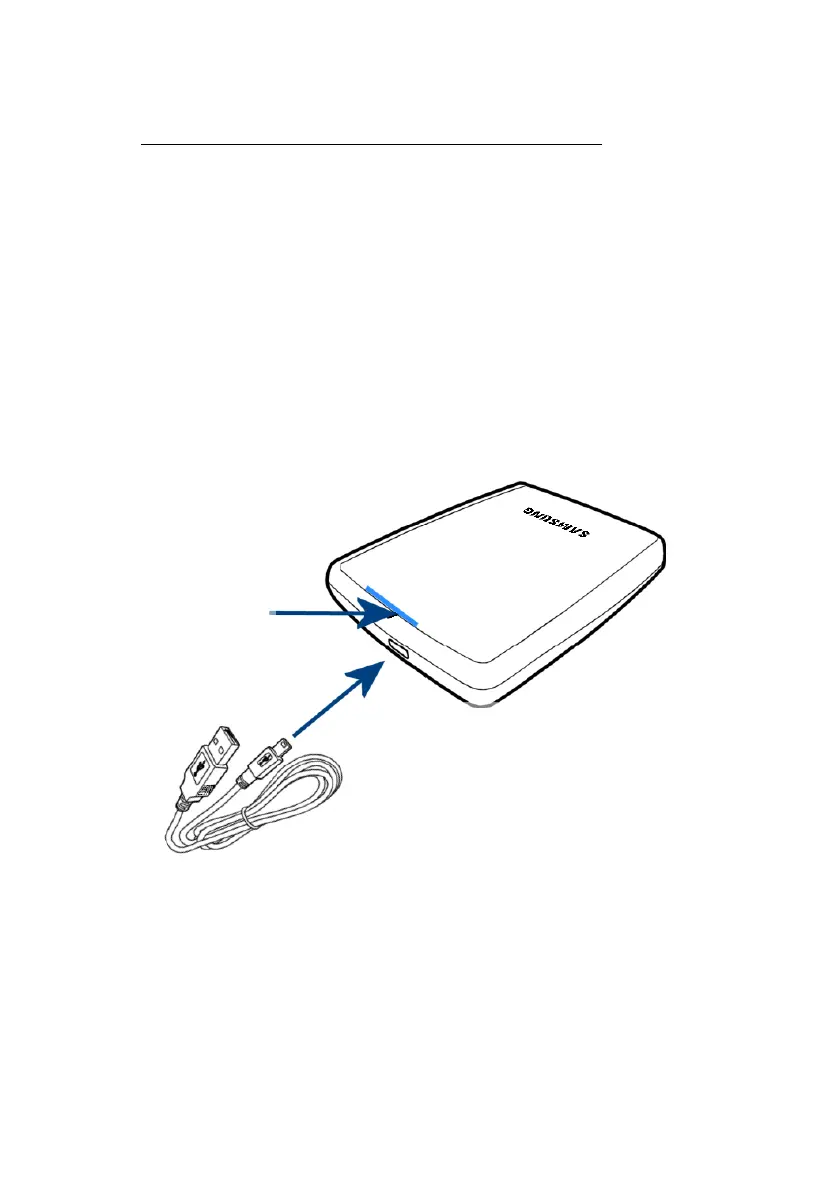
Contained in the packaging is a USB cable. The small
end of the cable plugs into the Samsung External
Hard Disk Drive and the large end plugs into your
Computer. This is keyed so you can only plug it in one
way.
Figure 4-1 Connecting your External drive to your Computer
LED
Connect to
Connect to Samsung
External Hard Disk Drive
Samsung Auto Backup User Manual Ver 2.0
15



 To Next Page