Advanced
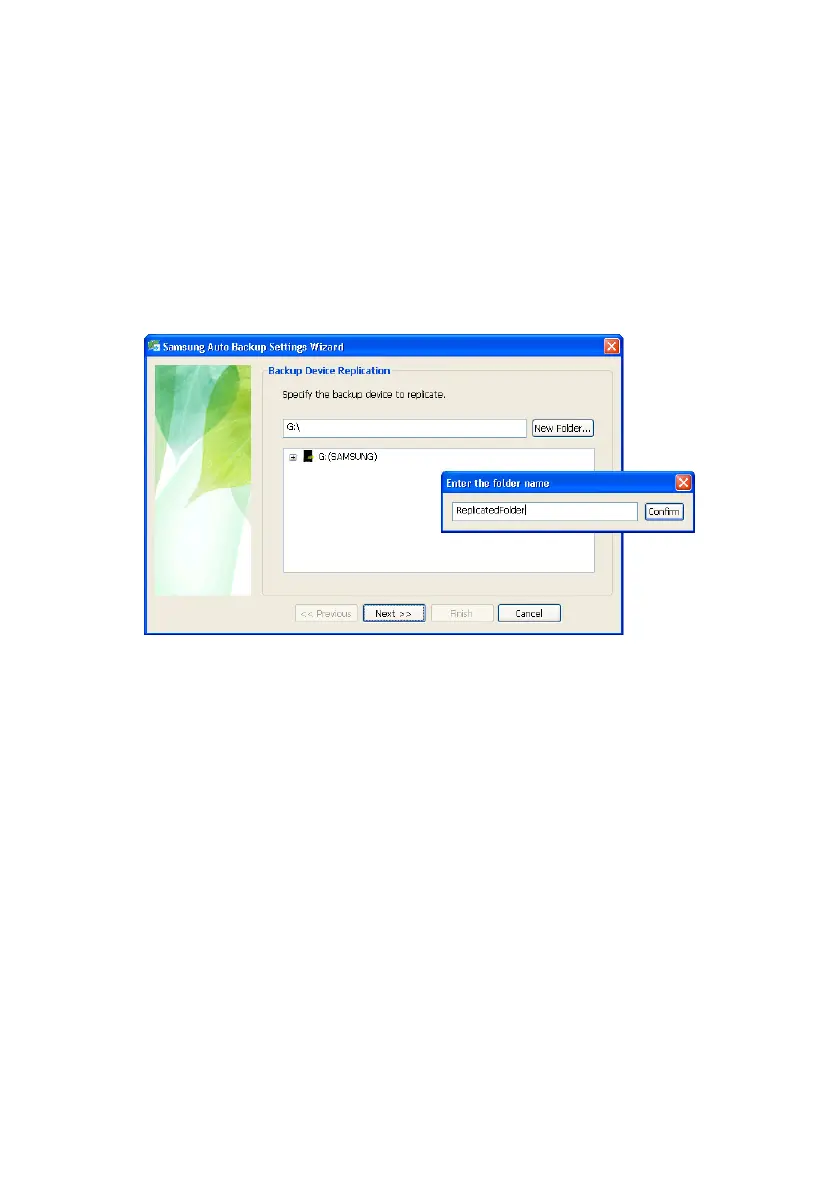
Replicating the Backup Device
You can replicate the current backup device to a
different backup location.
If you select the Replicate backup device option, the
following Wizard appears.
Figure 7-17 Replicating the Backup Device
From the Replicate Backup Device screen, you can only
choose the Samsung External Hard Disk Drive that is
connected. If the Samsung External Hard Disk Drive is
not connected, you cannot choose the backup
destination.
From the Replicate Backup Device screen, select the location
of the backup device onto which the backup data will
be replicated
1.
Click Next to navigate to the Options for Backup Device
Replication screen
There are two types of backup device replication.
Option 1
One is Replicate backup information which
replicates only the current backup
information and options.
Samsung Auto Backup User Manual Ver 2.0
66



 To Next Page