Managing Data
First Backup
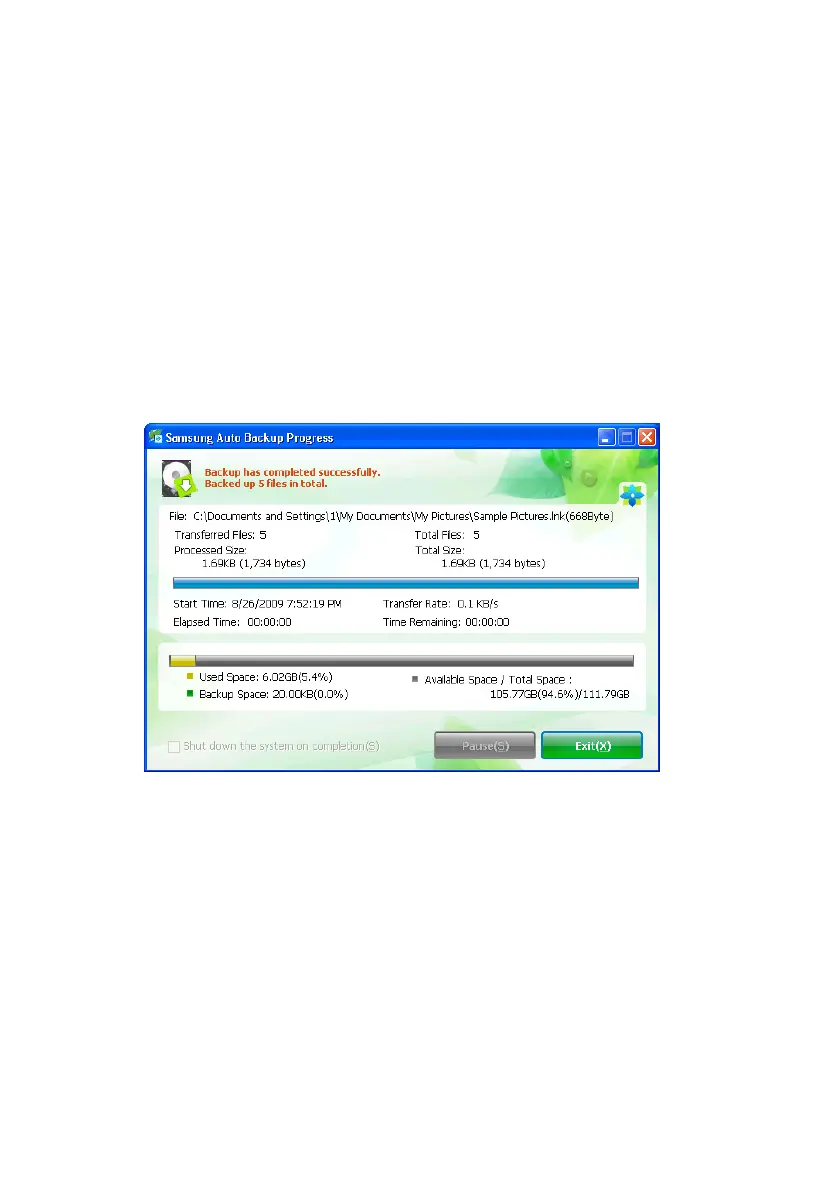
After you close the splash screen, the Auto Backup
Progress screen appear. The program is backing up your
data as you specified and setting up your options.
By default, the Auto Backup program will backup
everything in the ‘My Documents’ folder. This can be
changed at any time.
1.
Click Exit
Figure 6-2 First backup after setup
Clicking Exit takes you back to the Samsung Auto Backup
Main screen.
Samsung Auto Backup User Manual Ver 2.0
38



 To Next Page