Installing the Software
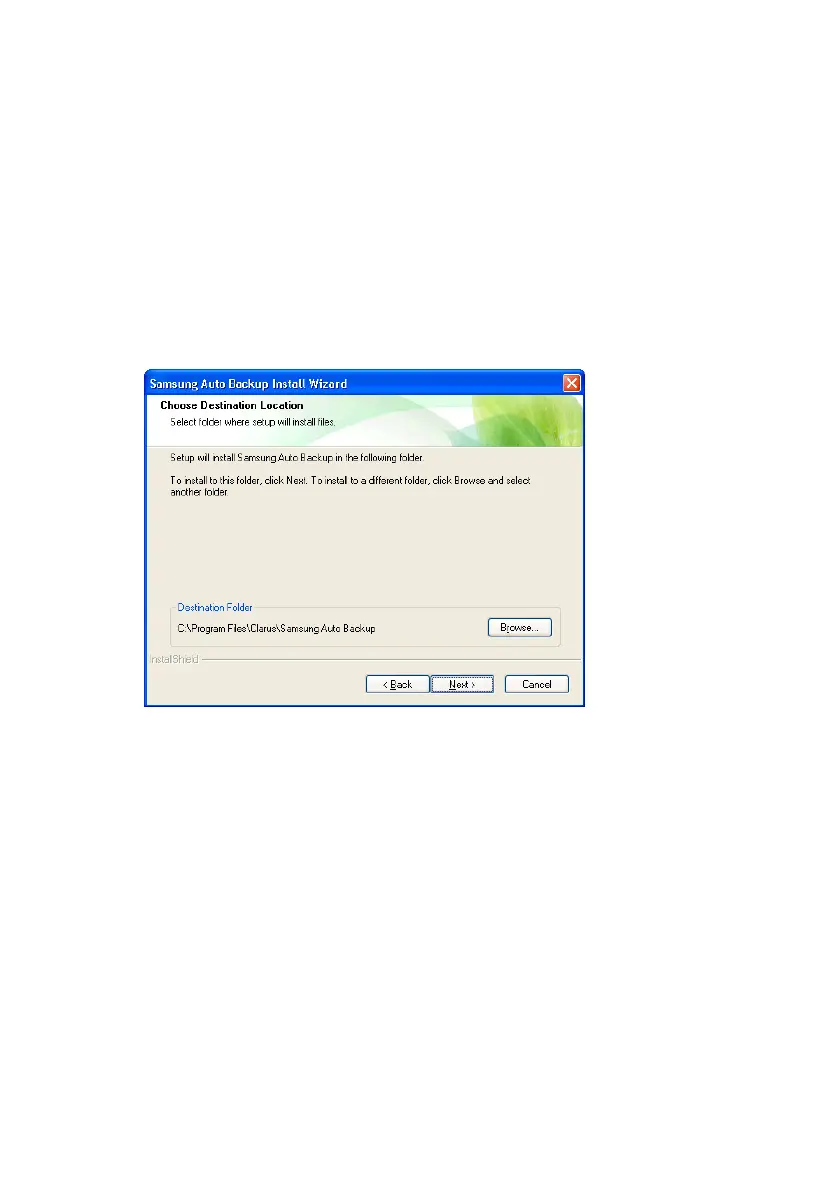
Choose the Destination Folder
The following screen will determine where to install
the software. The default folder is C:\Program
Files\Clarus\Samsung Auto Backup.
6.
You may click Browse and choose a different
folder or click
Next>> to use the default destination
Figure 4-7 Choose the backup destination
Samsung Auto Backup User Manual Ver 2.0
20



 To Next Page