Managing Data
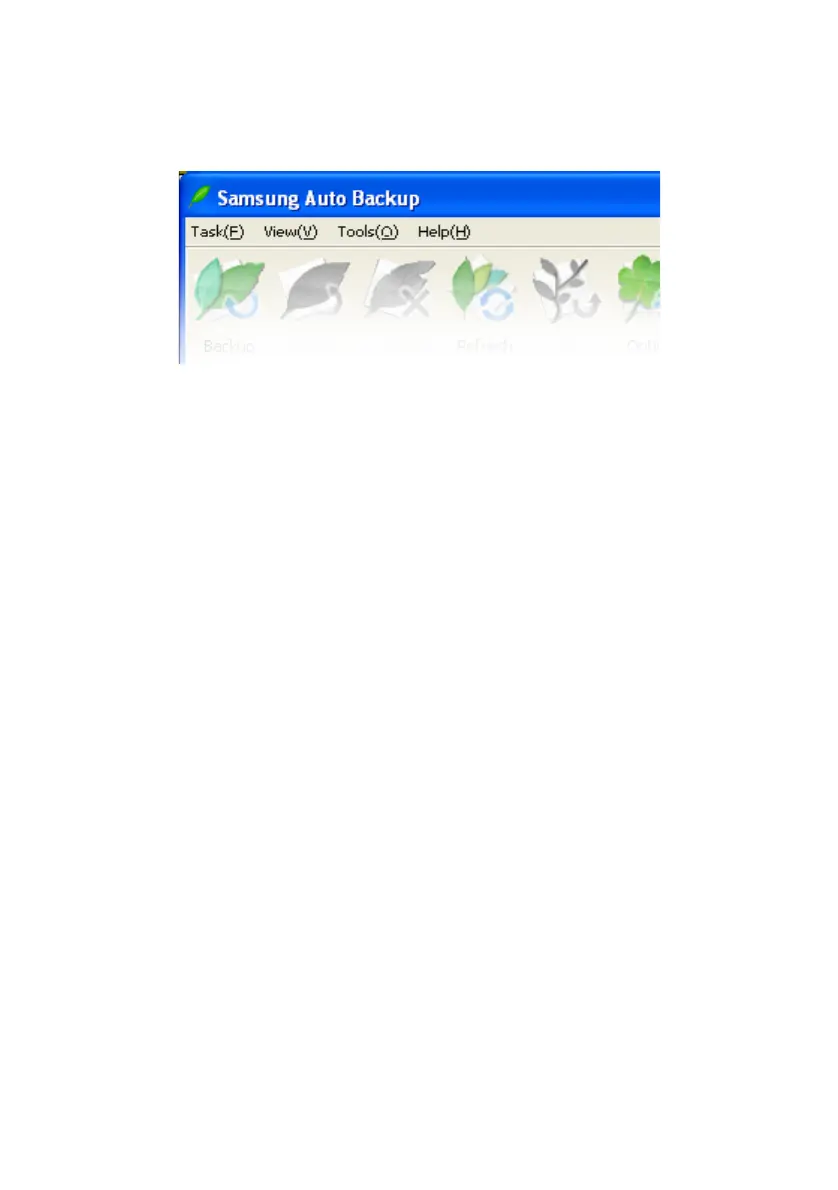
Figure 6-5 Menu Bar
Task Menu
• Backup
Starts a manual backup of the source you selected.
• Restore
Restores the backup data you selected.
• Delete
Deletes the item (backup file, backup folder, task history, and
task schedule) you selected.
• Exit
Quits Samsung Auto Backup.
View Menu
• Show tool bar
Shows or hides the tool bar.
• Show status bar
Shows or hides the status bar.
• Refresh
Refreshes the selected program pane’s contents.
• Up
Samsung Auto Backup User Manual Ver 2.0
41



 To Next Page