Setting up the Auto Backup
Getting Started
Examples are used in this section to better explore
the many options available.
The program starts by setting up what is backed up,
when it is backed up, and to what folder it is backed
up.
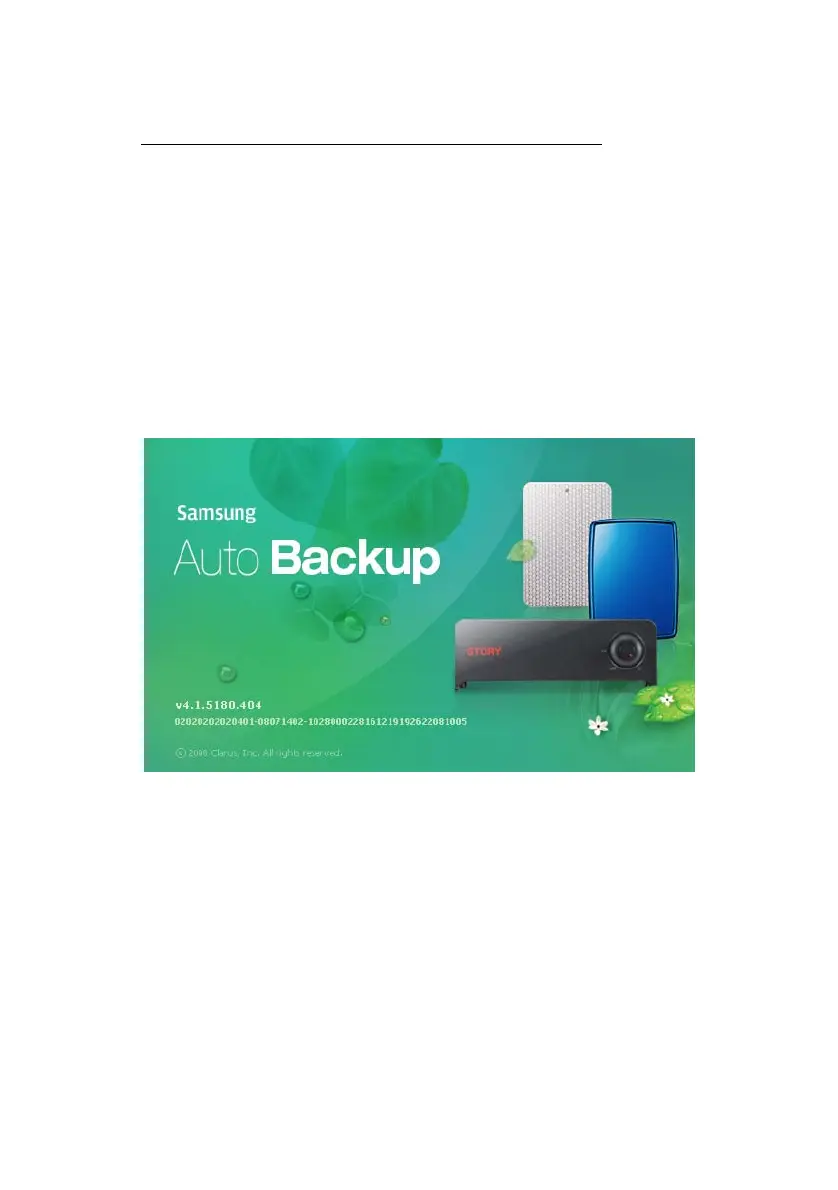
The first screen displays the version, serial number,
and the program.
Figure 5-1 Samsung’s Auto Backup Splash Screen
If the software does not automatically start, you may
launch the program by clicking:
1.
Start -> Programs-> Samsung -> Samsung Auto
Backup -> Samsung Auto Backup
Samsung Auto Backup User Manual Ver 2.0
24



 To Next Page