Managing Data
Samsung Auto Backup User Manual Ver 2.0
46
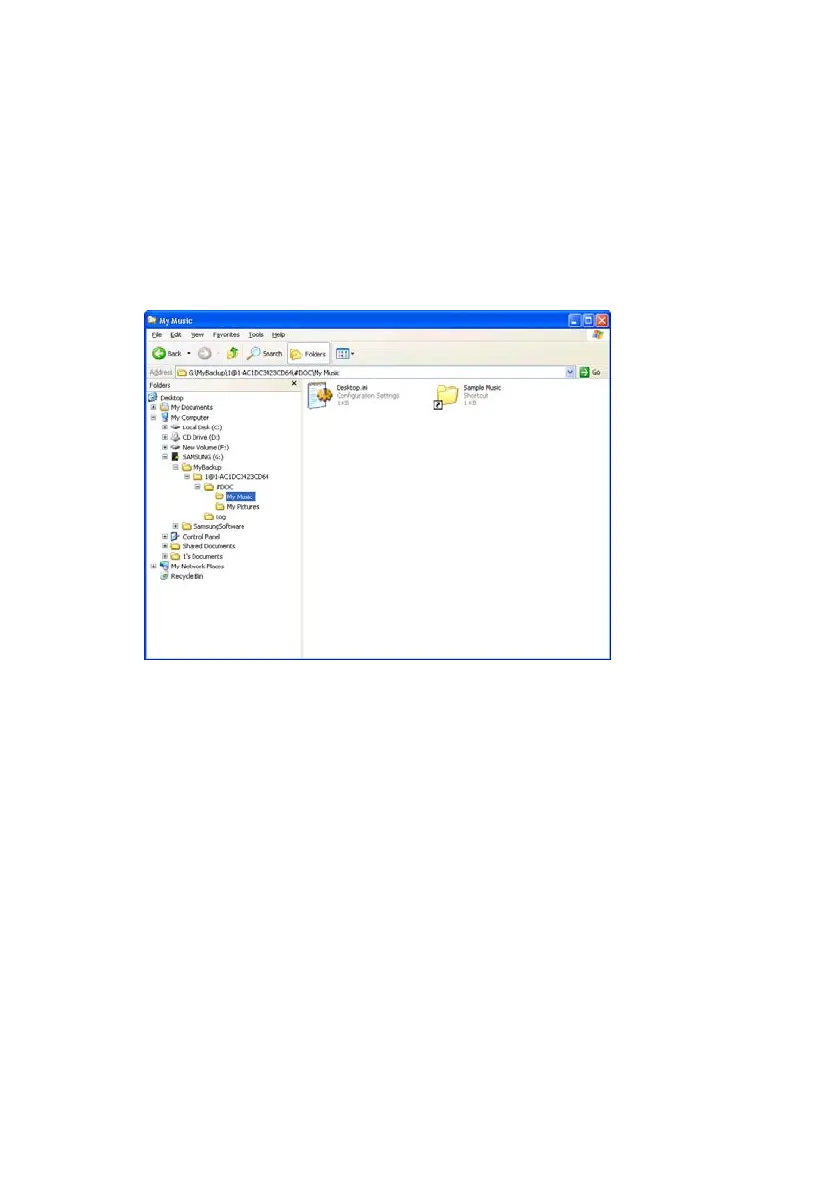
Check the Backup from Windows Explorer
If you open the folder set in the Backup Settings Wizard in
Windows Explorer, you can see the following folder
and confirm that the backup process is complete.
Figure 6-9 Check Files in Windows Explorer Screen



 To Next Page